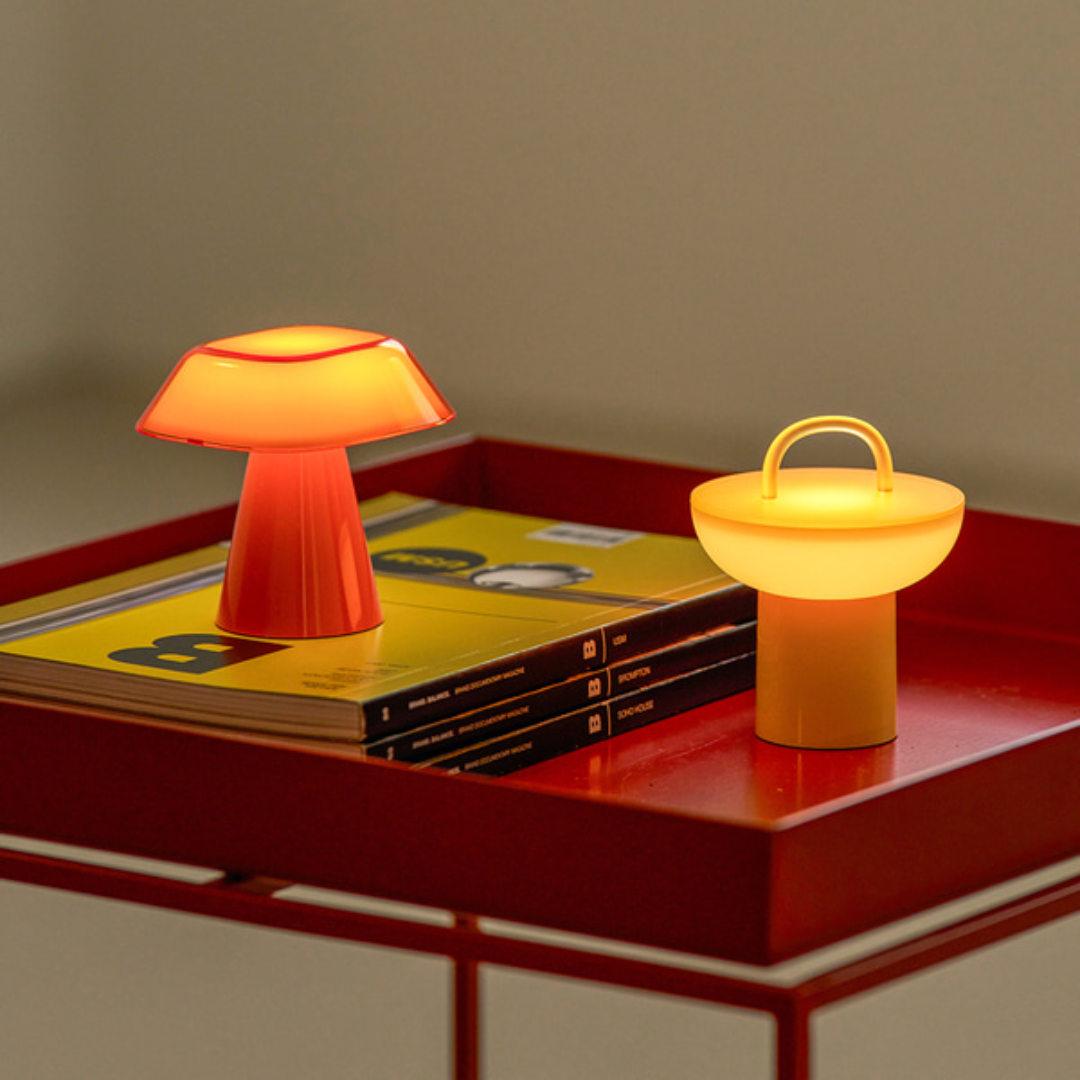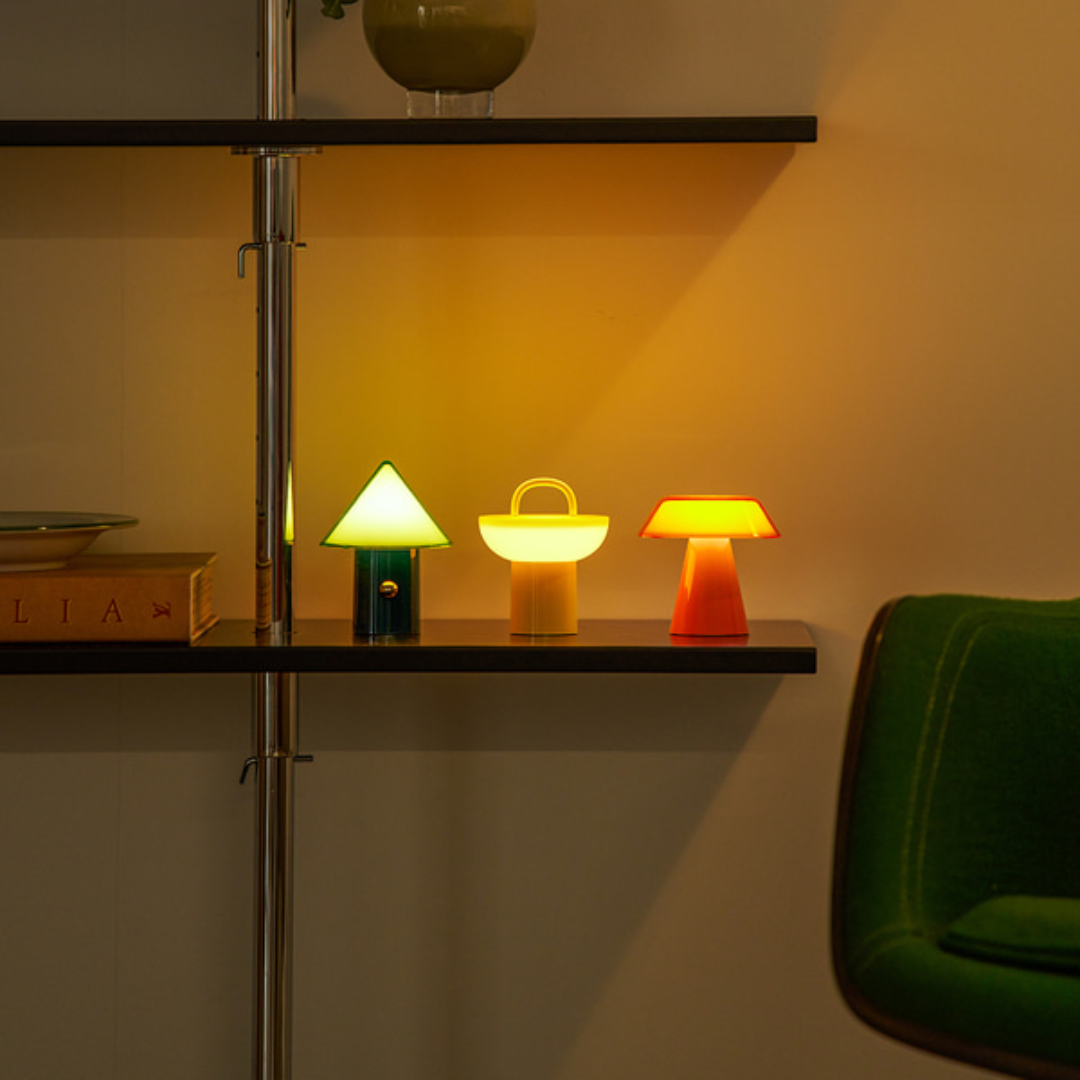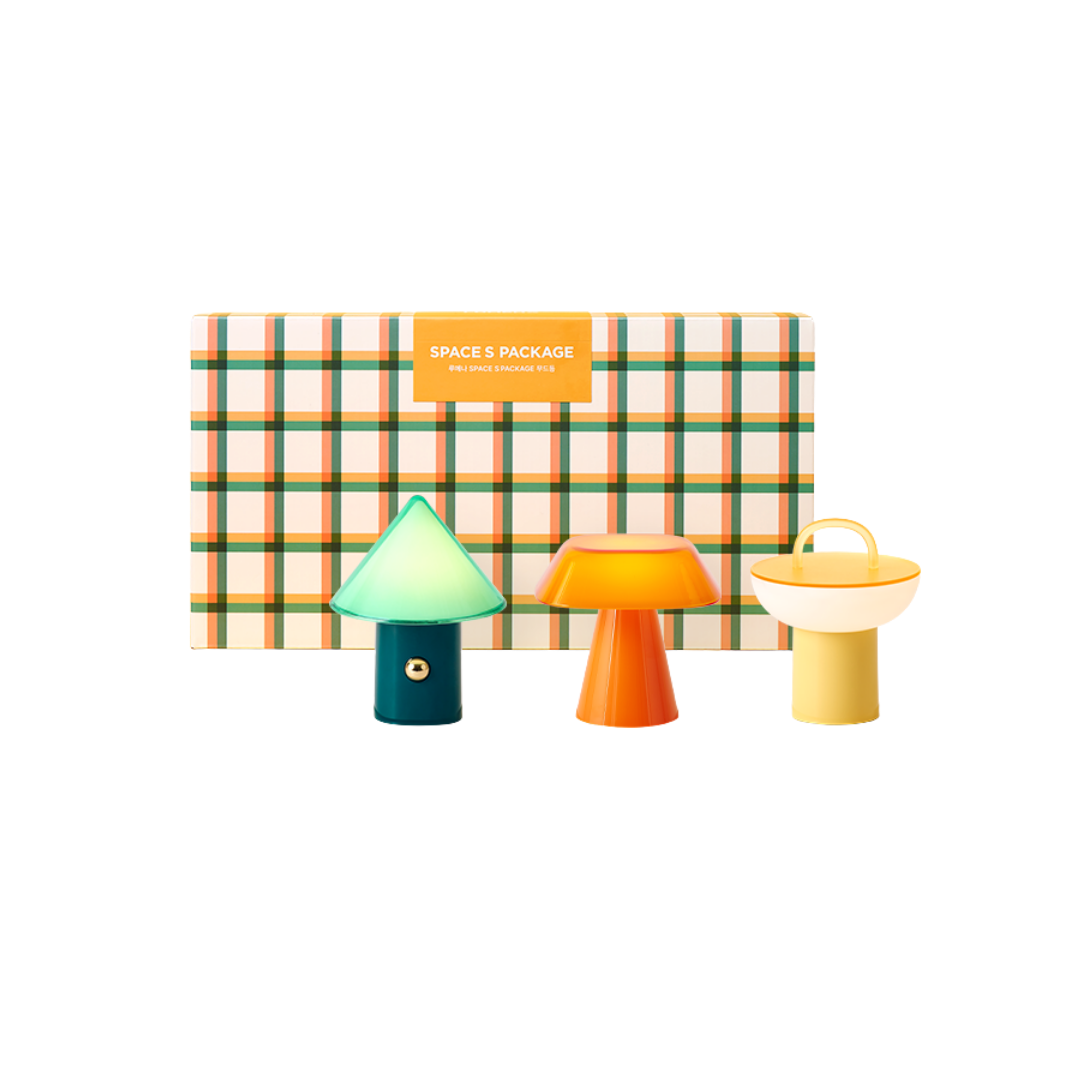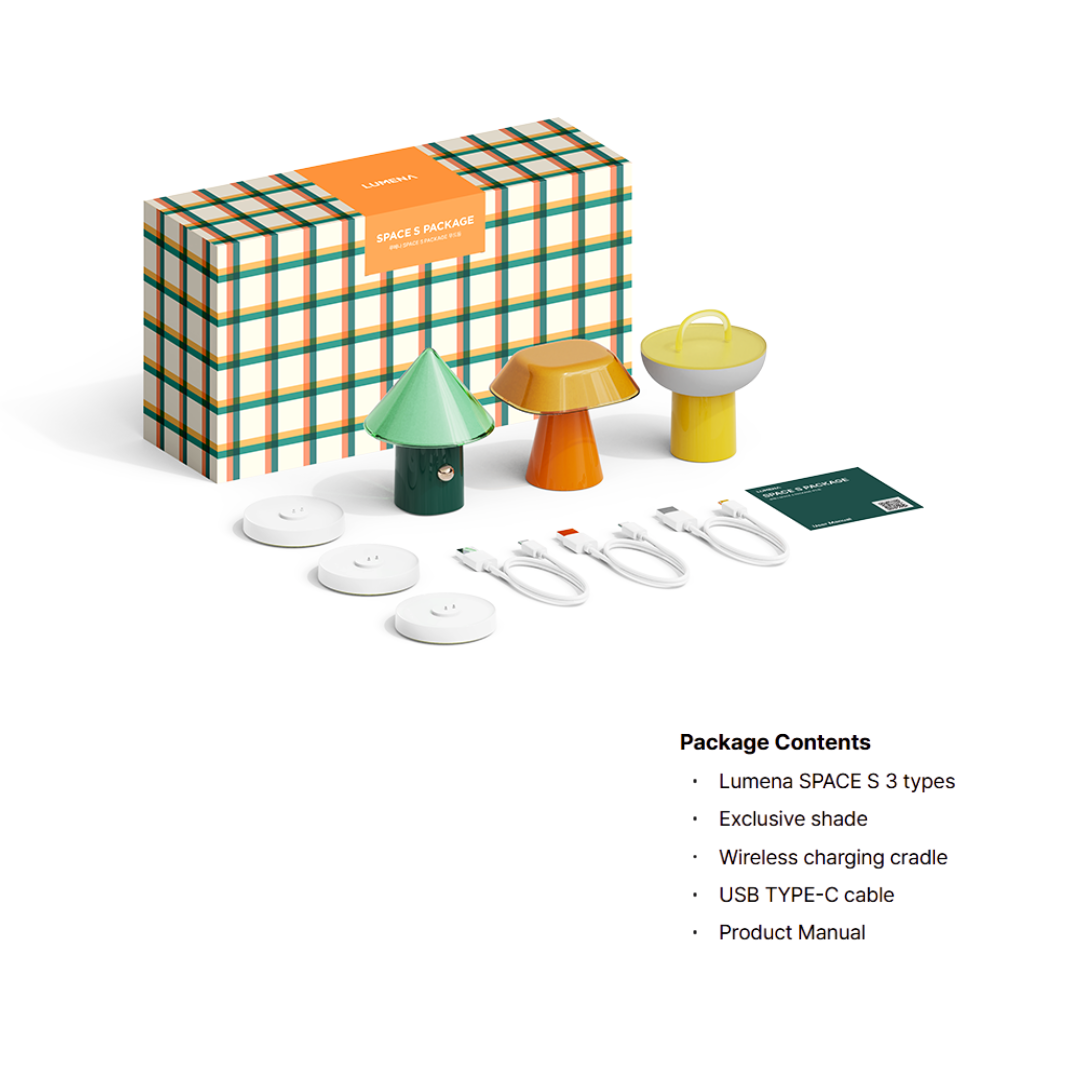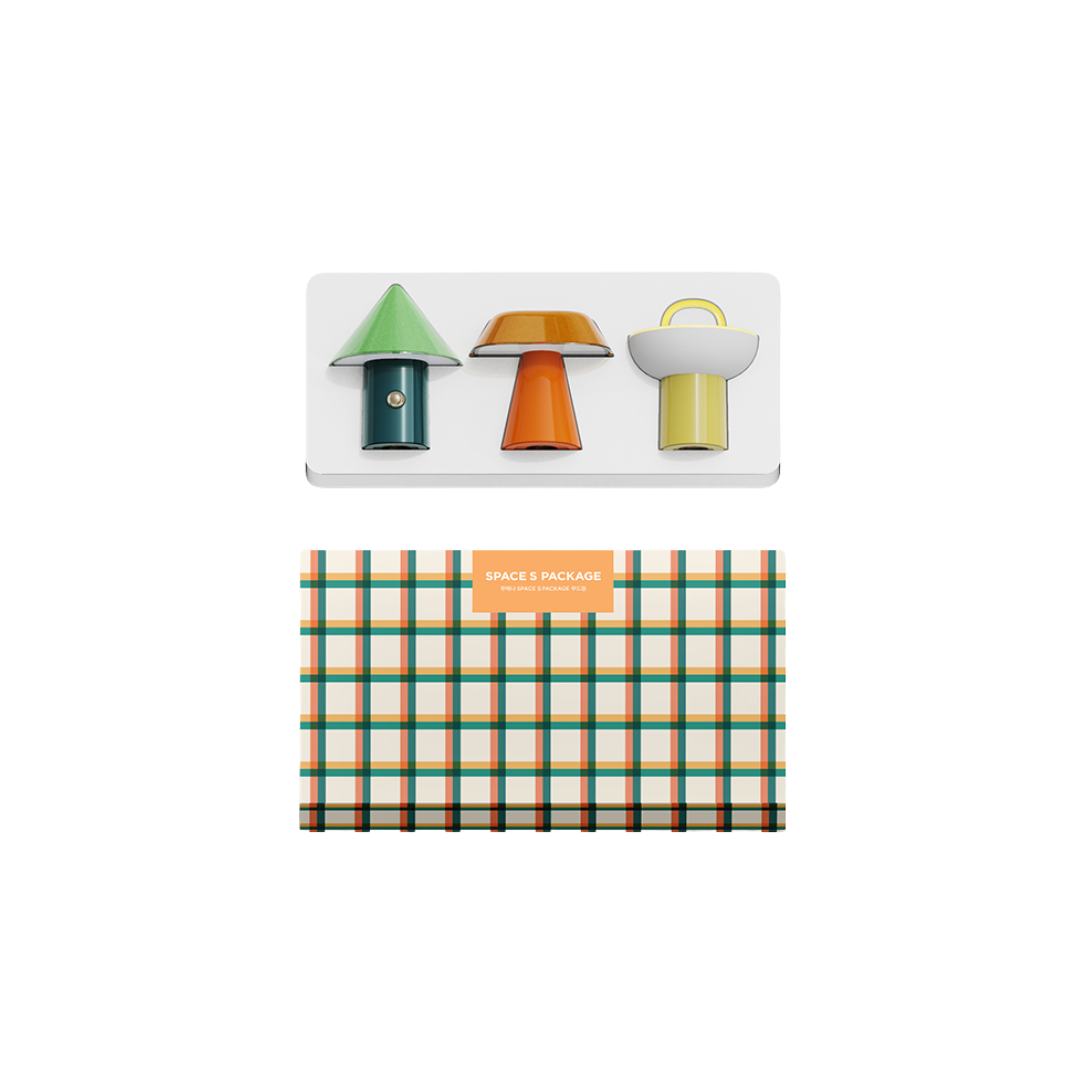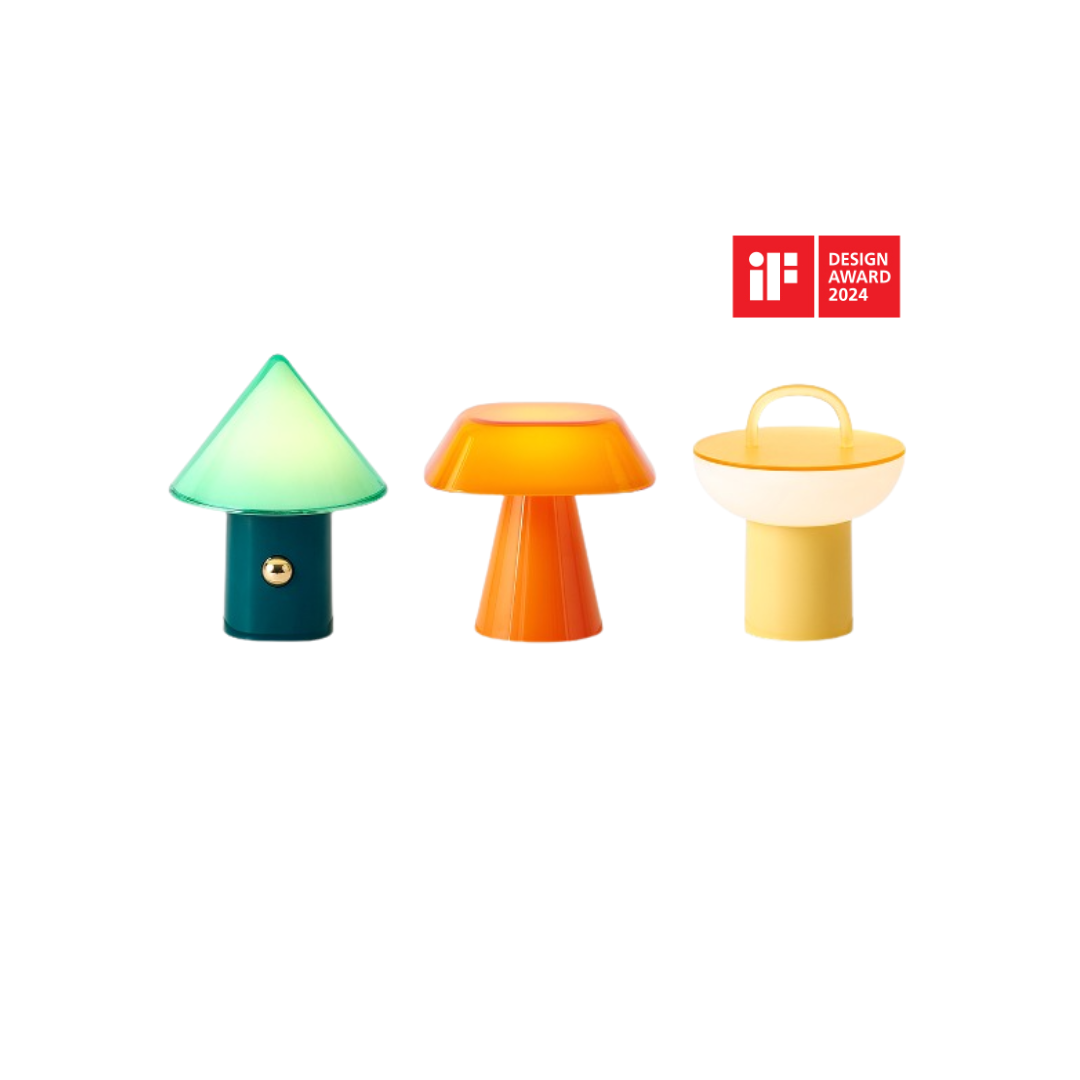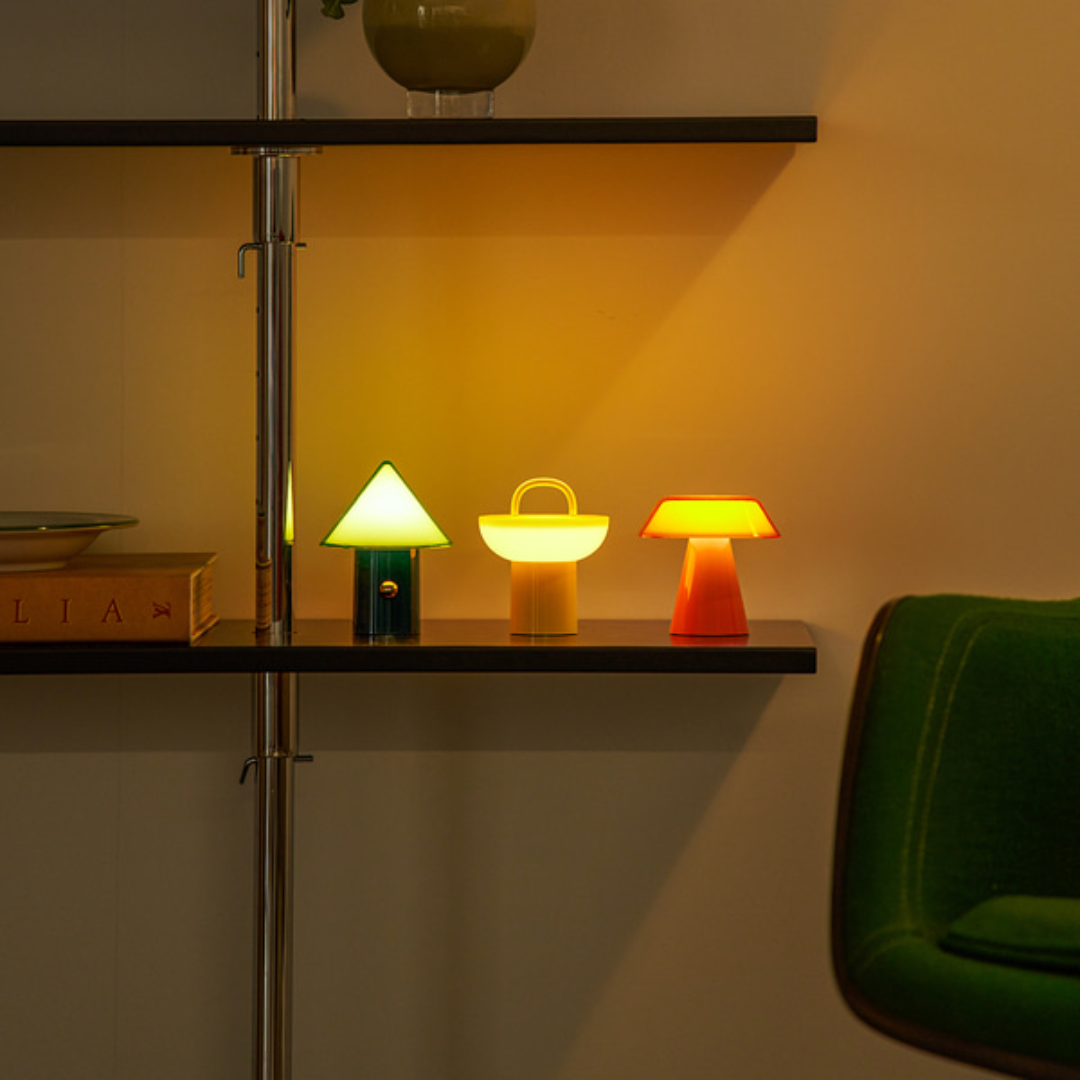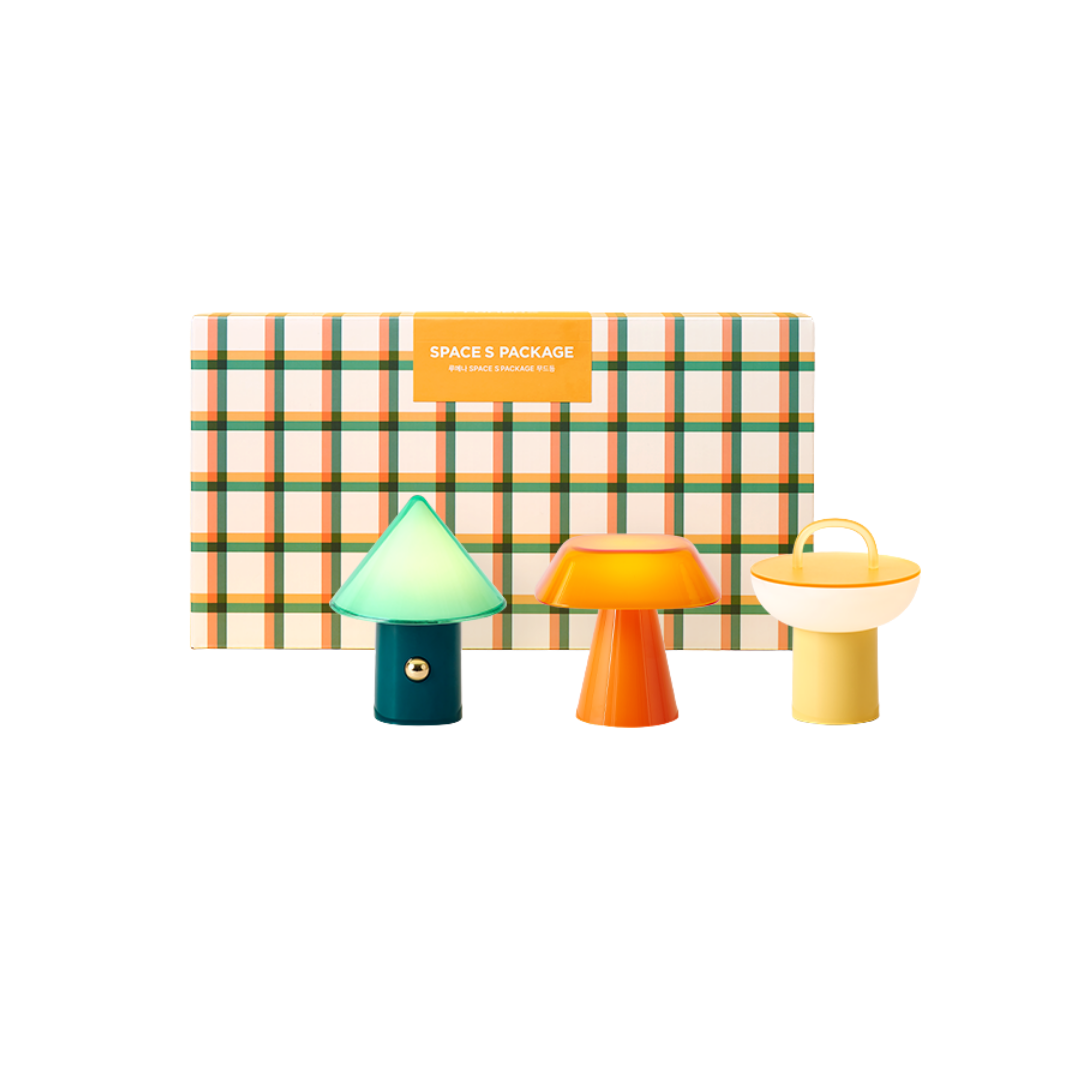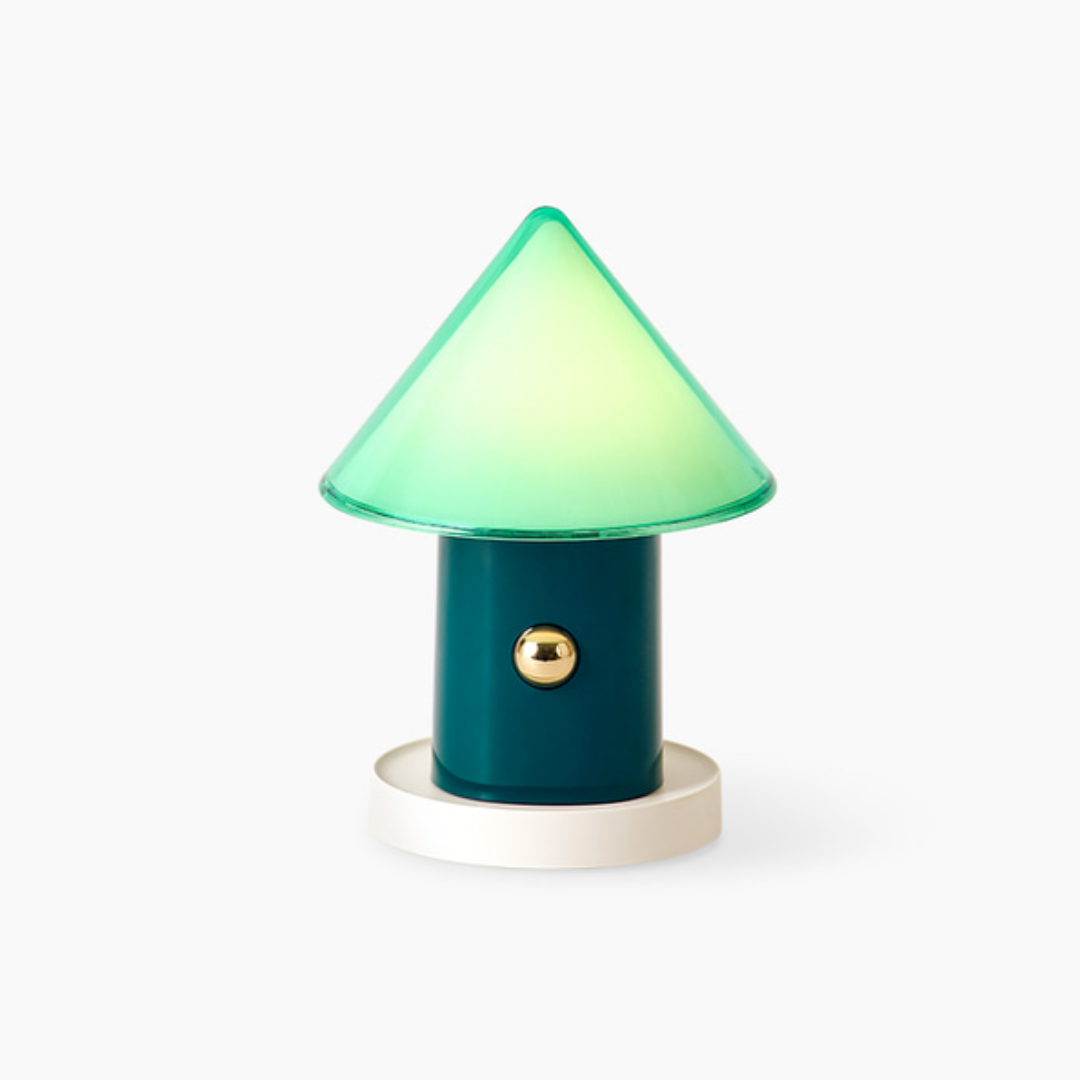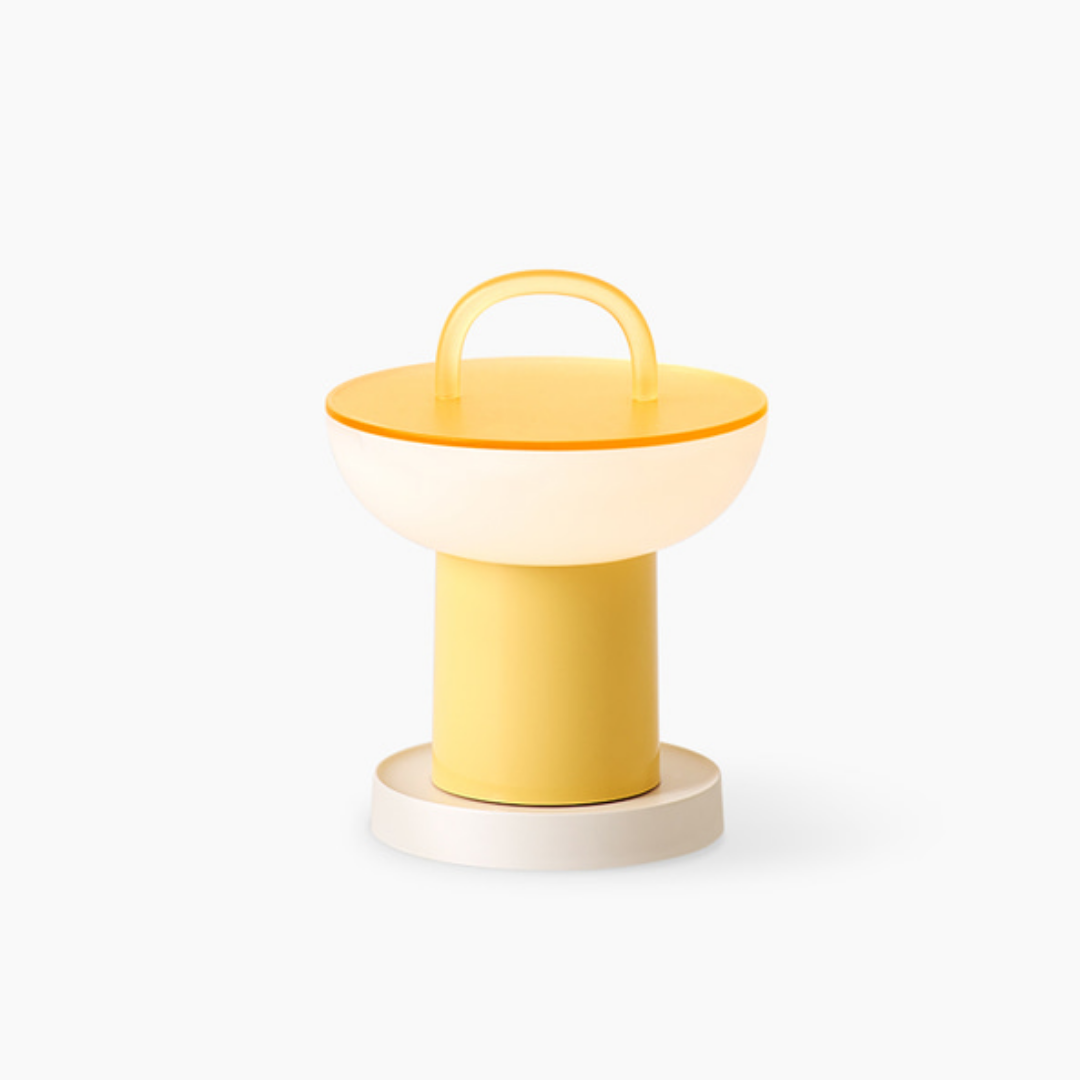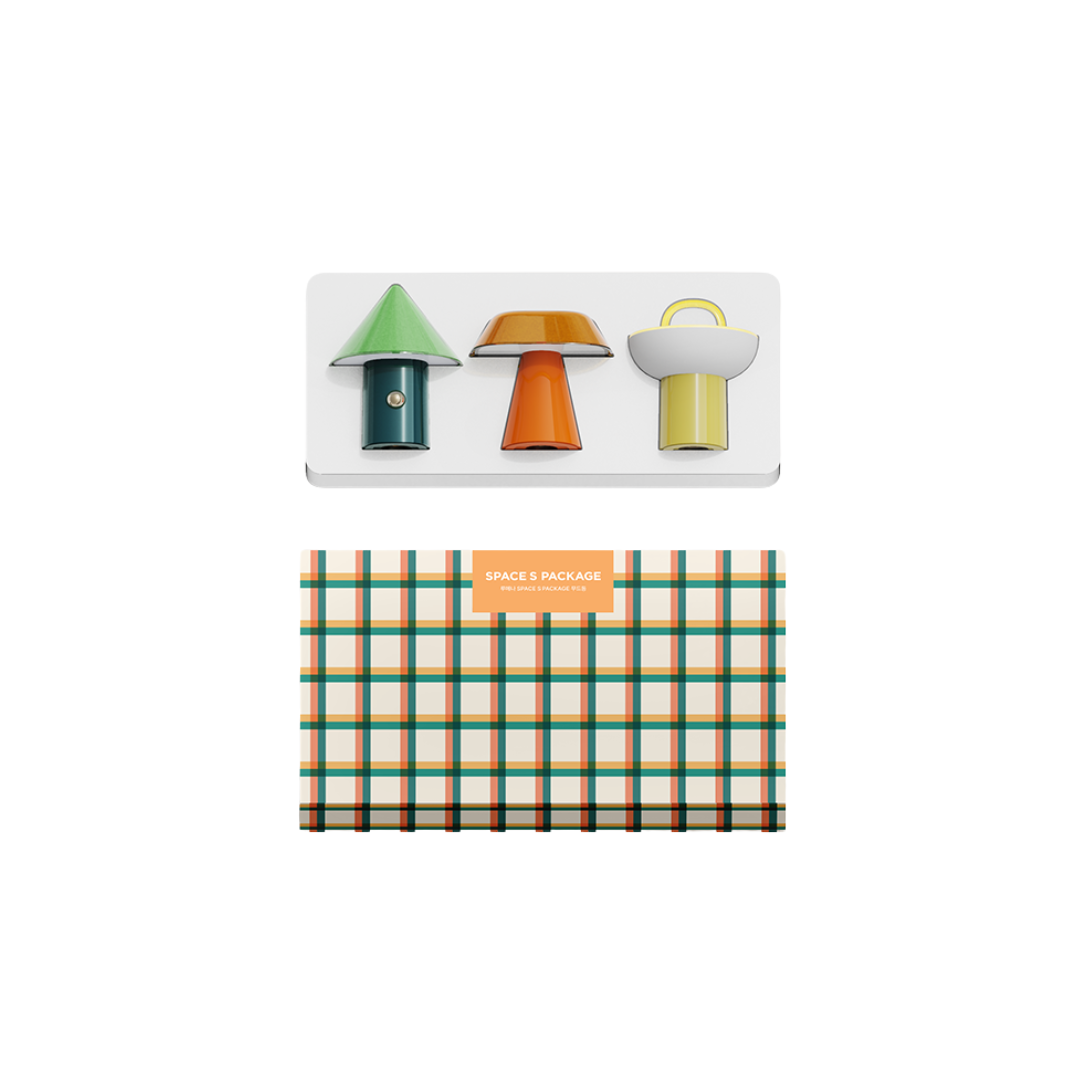
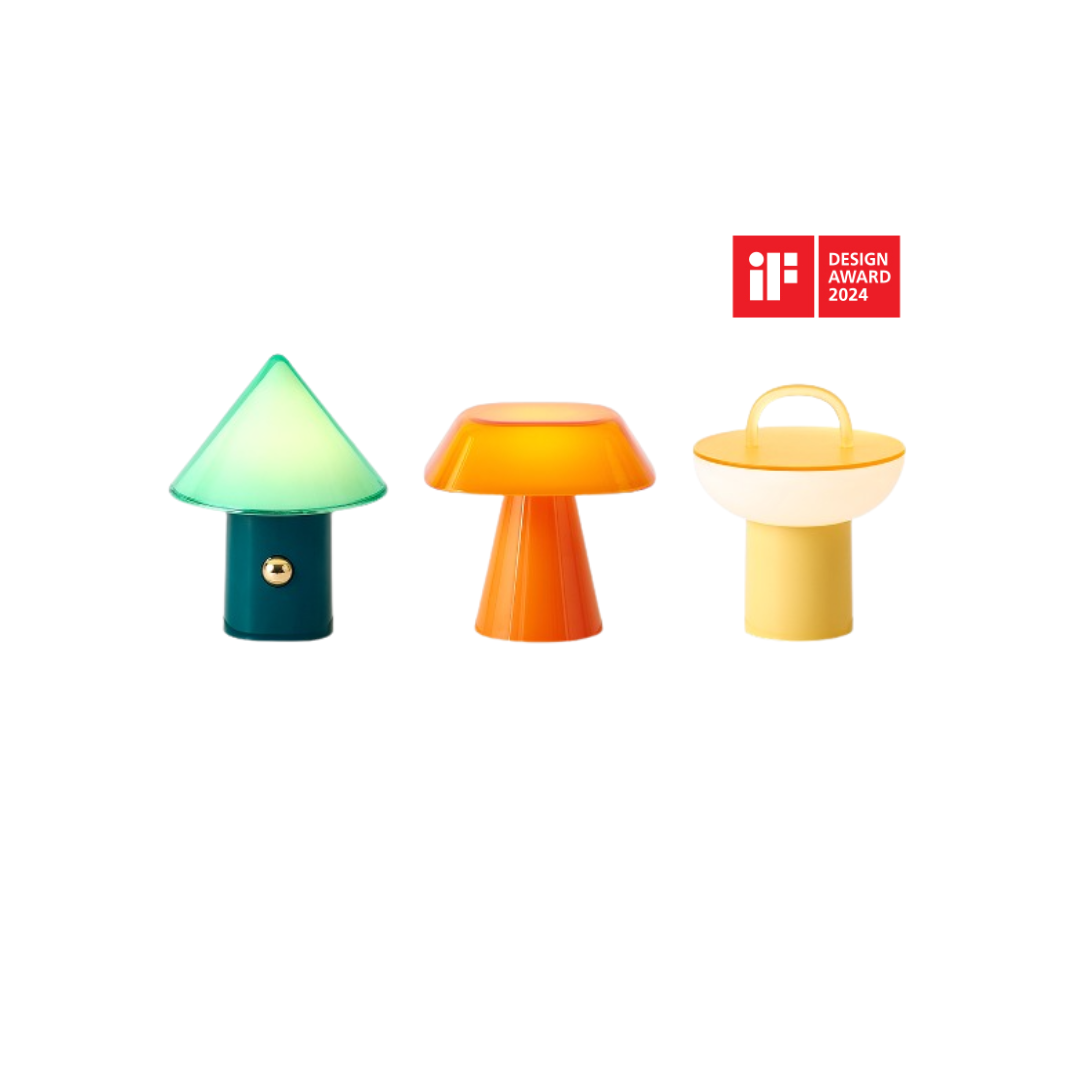
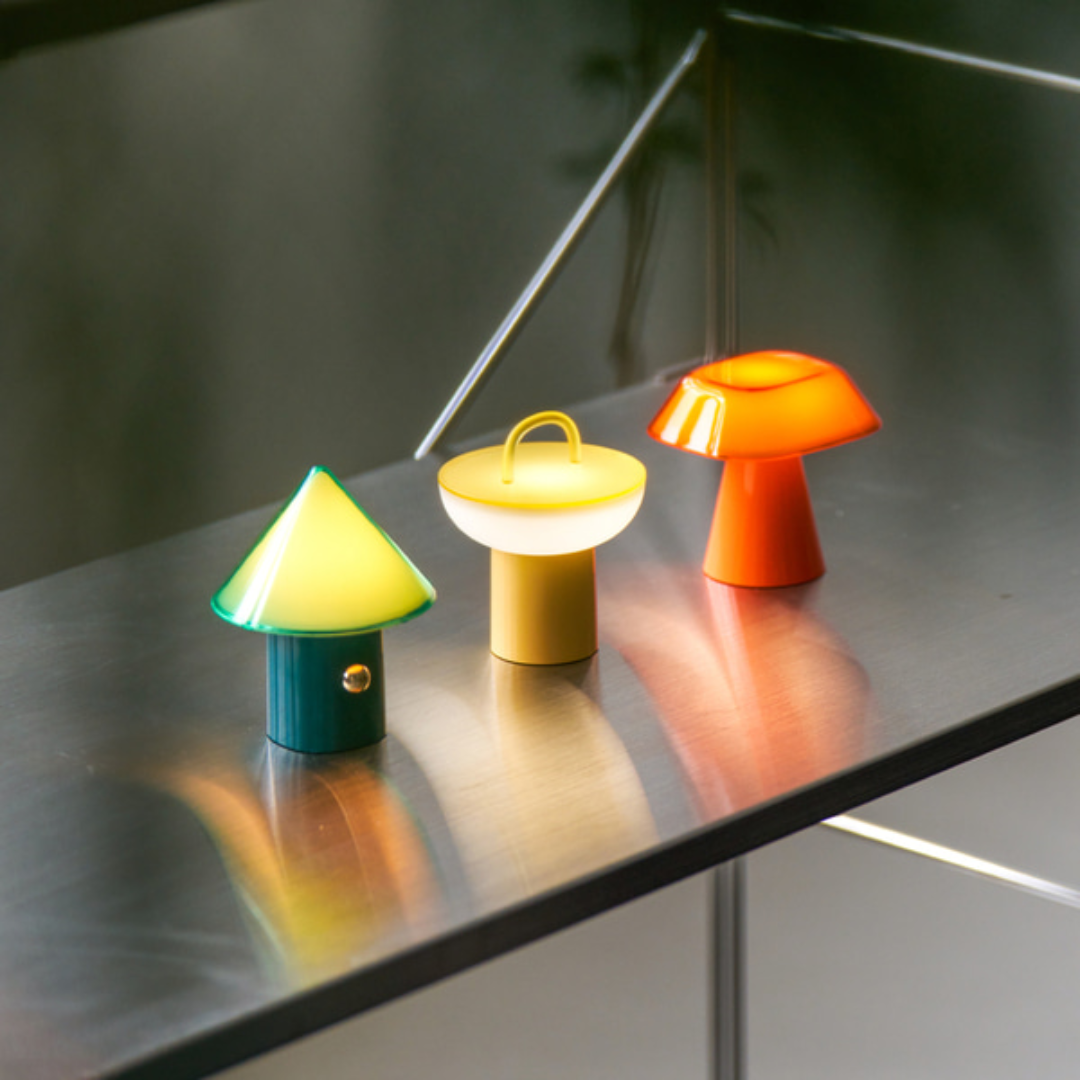
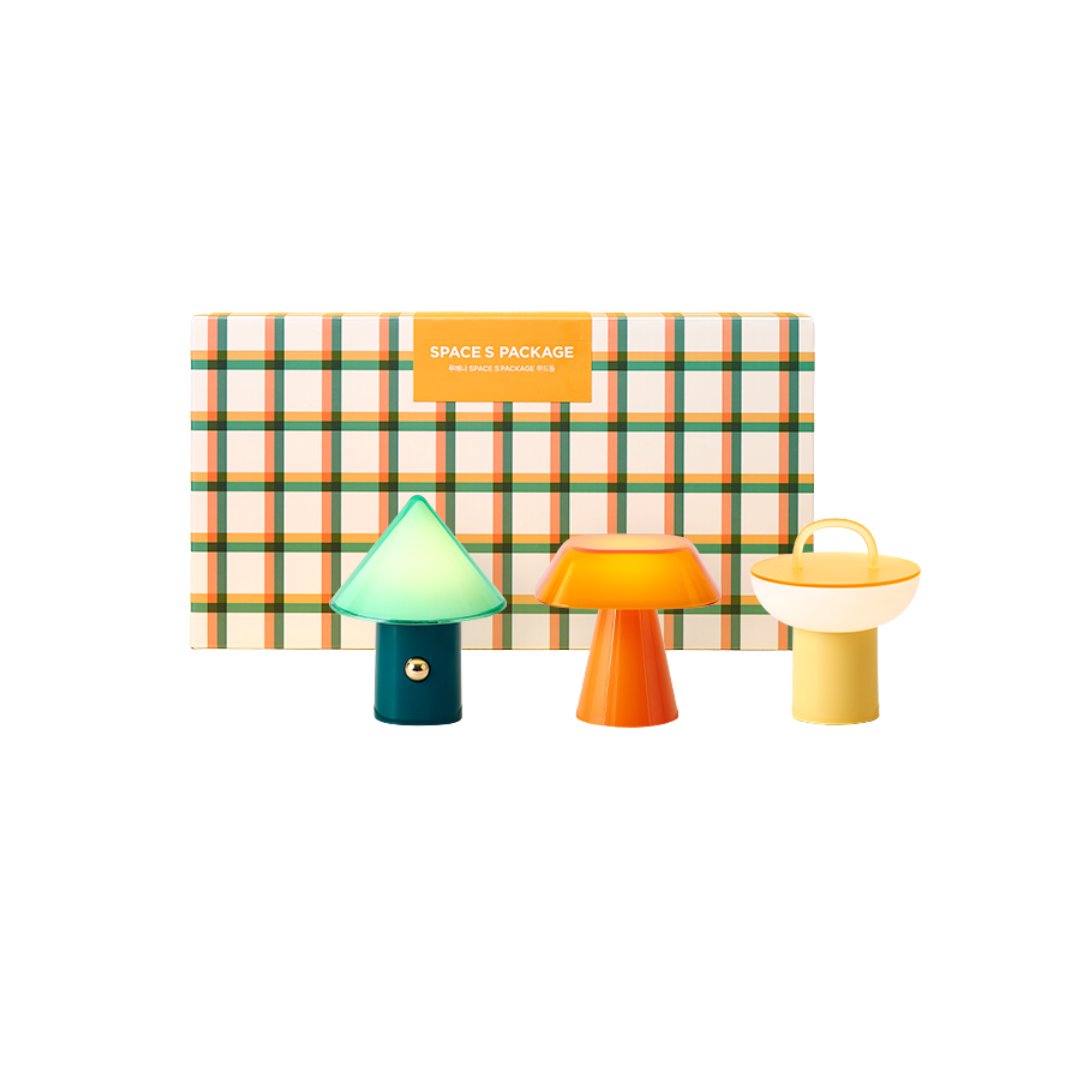
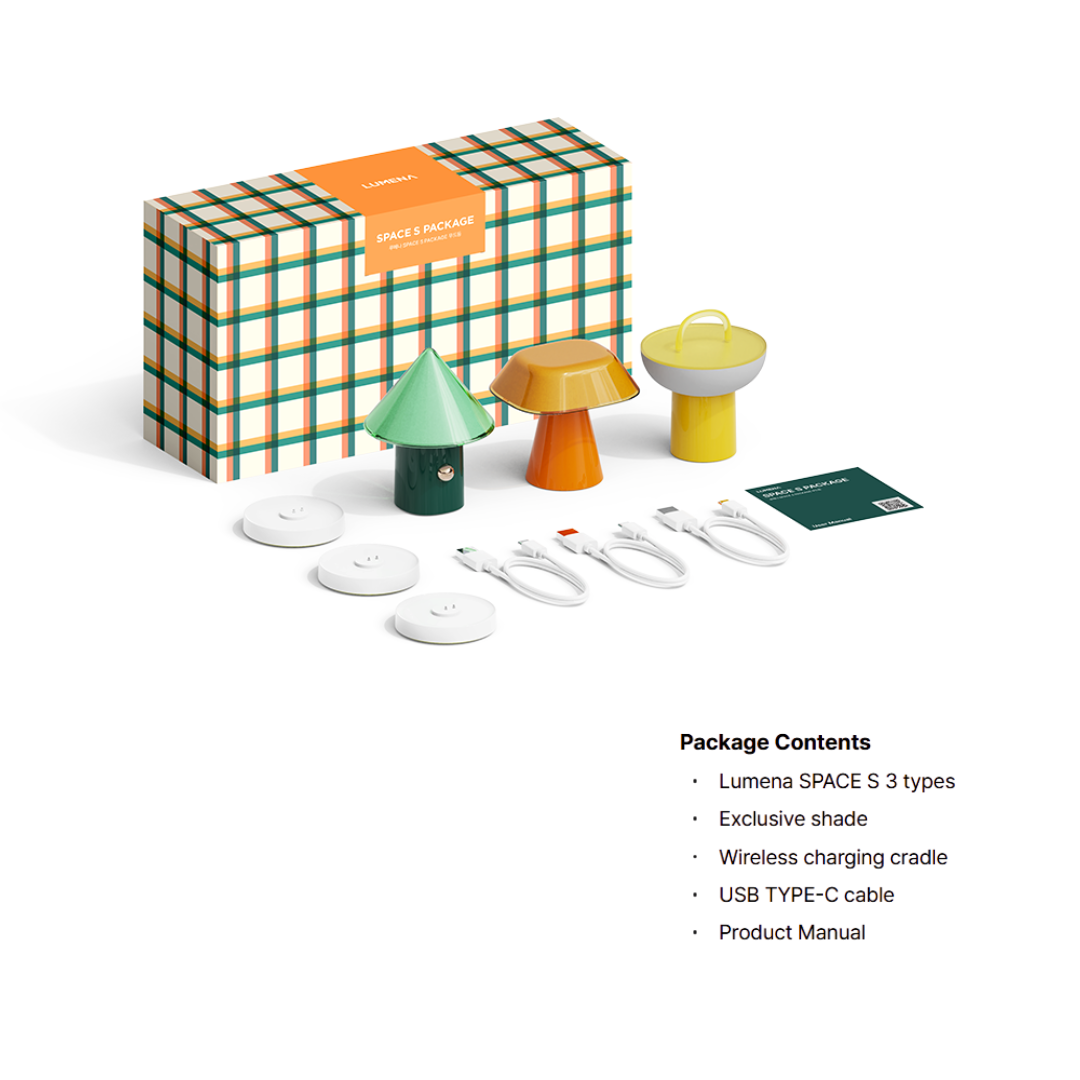
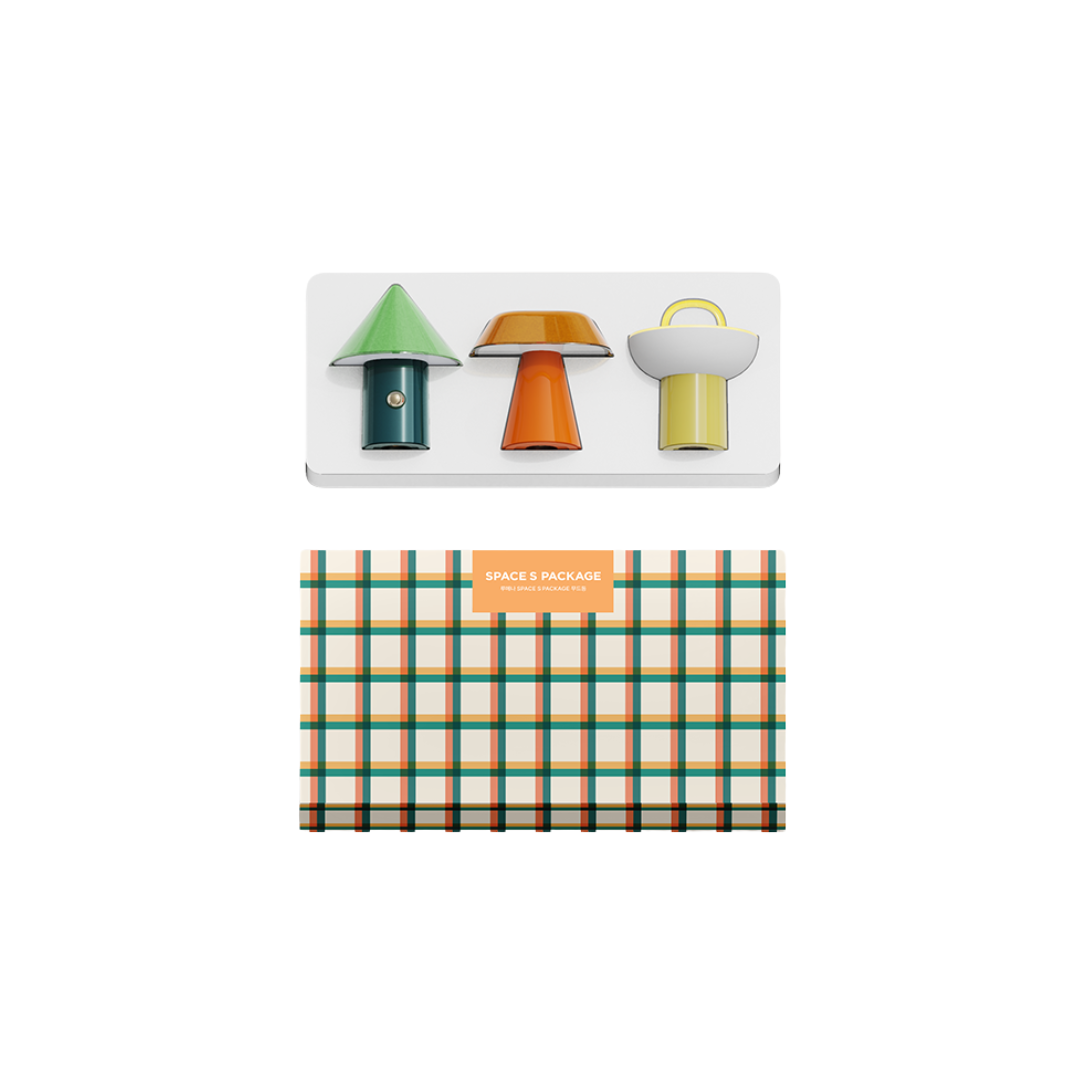
Lumena SPACE Mood Light Package Set
 Specifications
- ▶ Main Unit Size
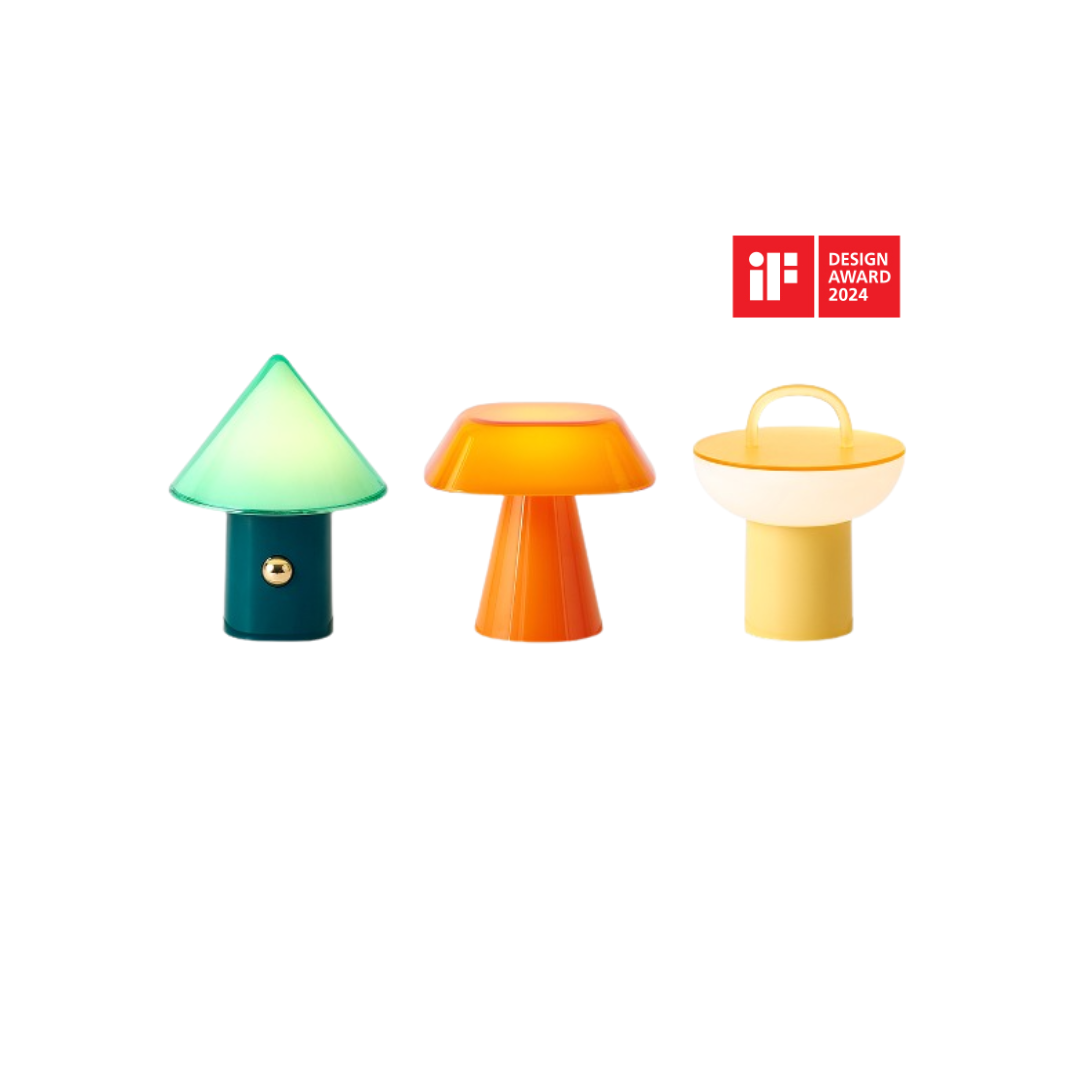
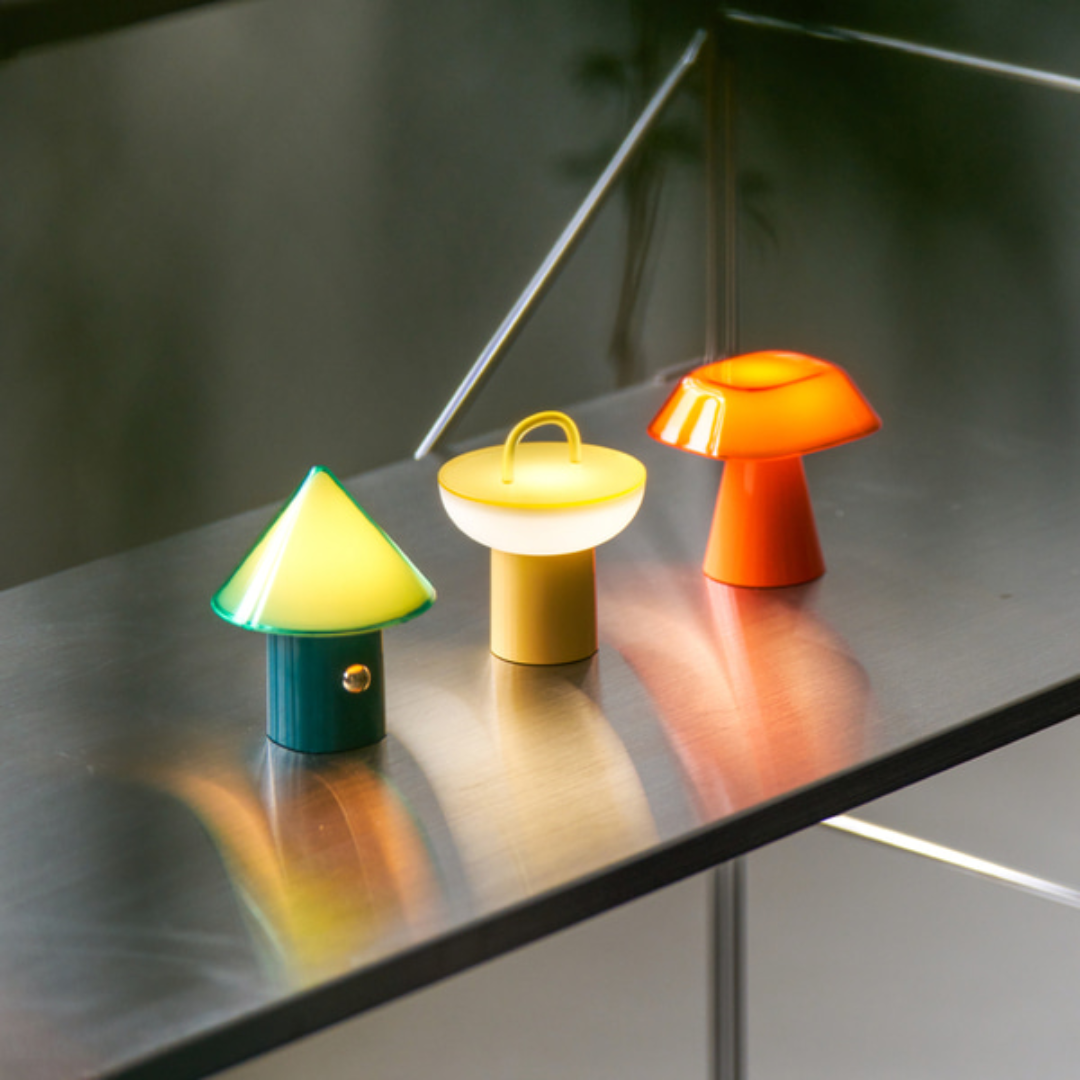
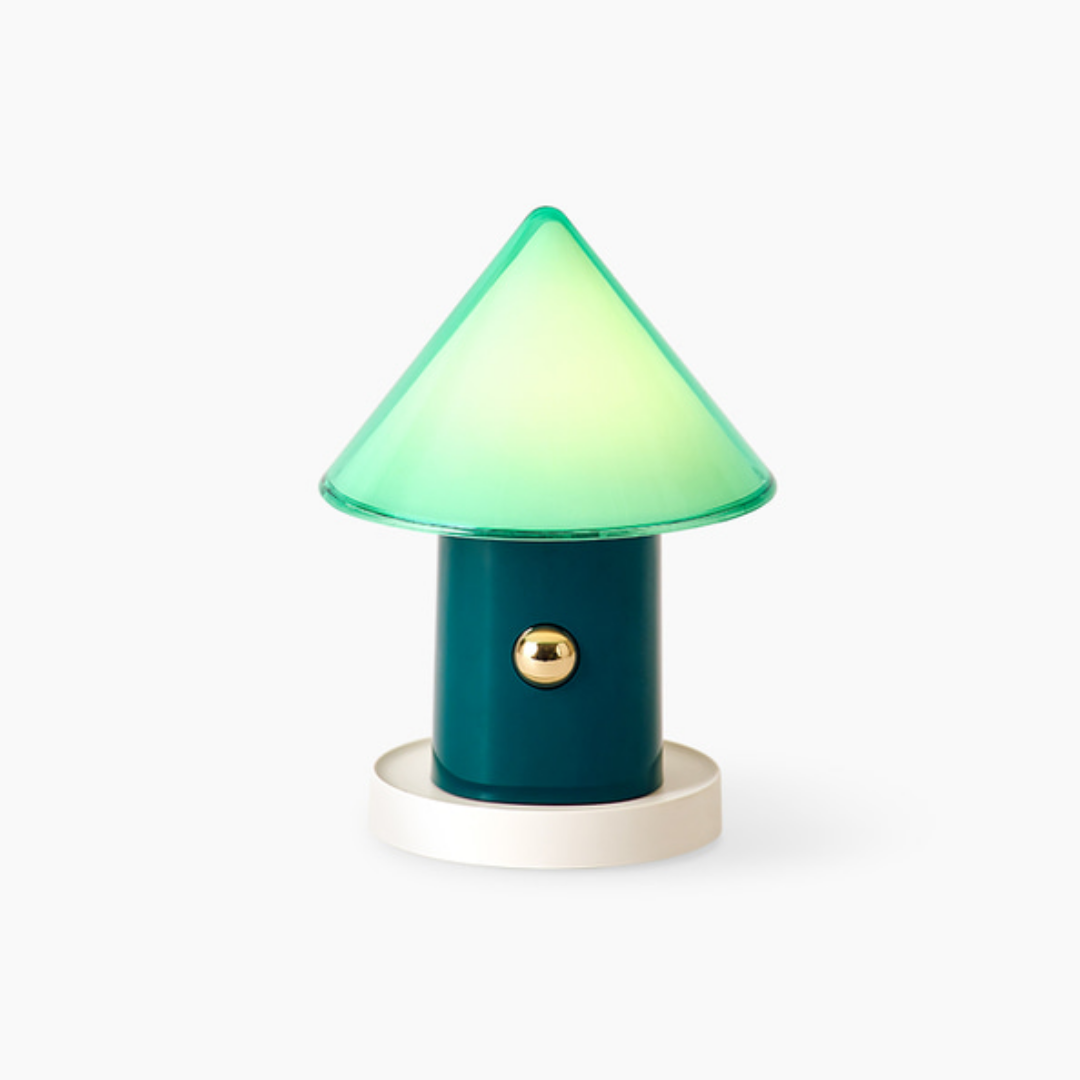
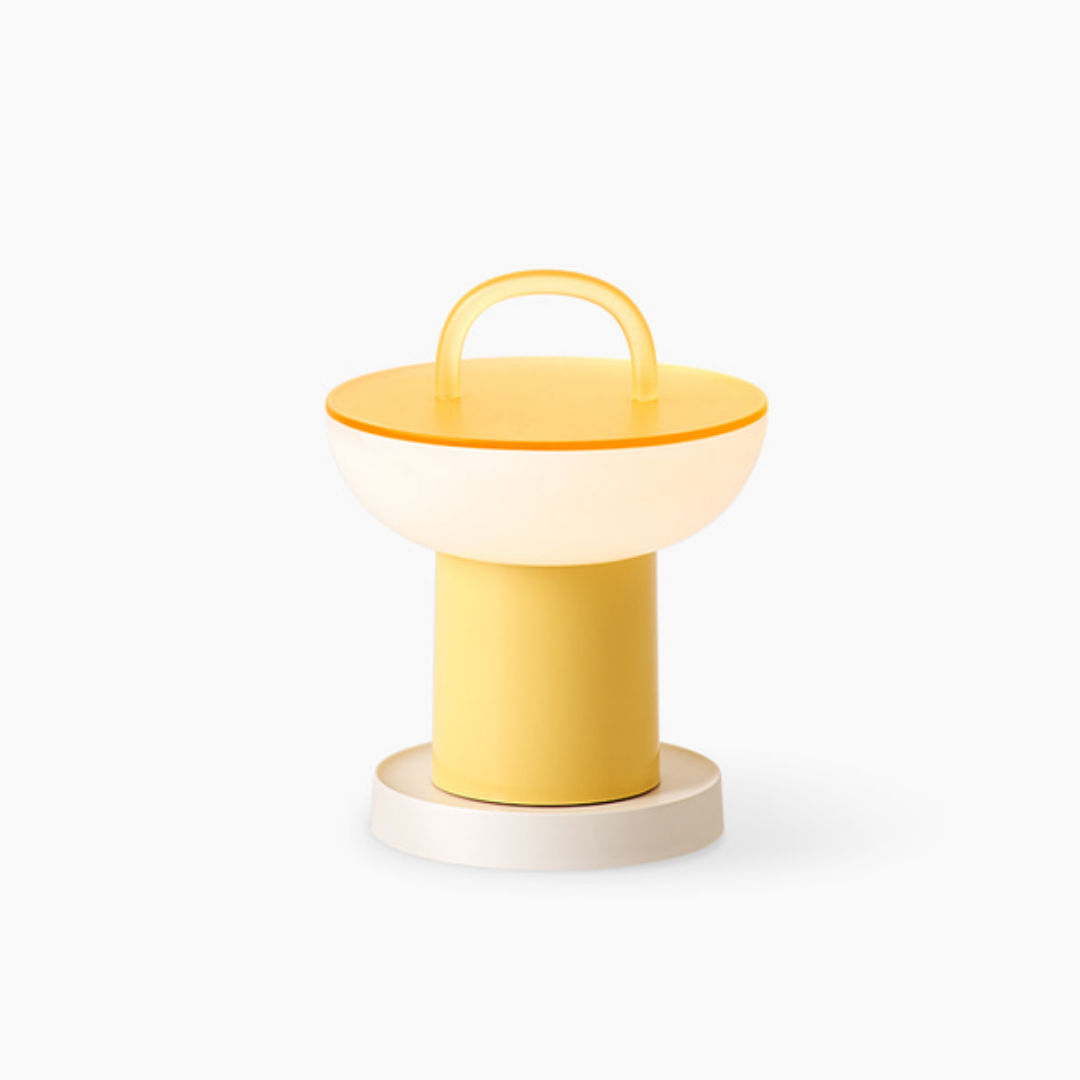
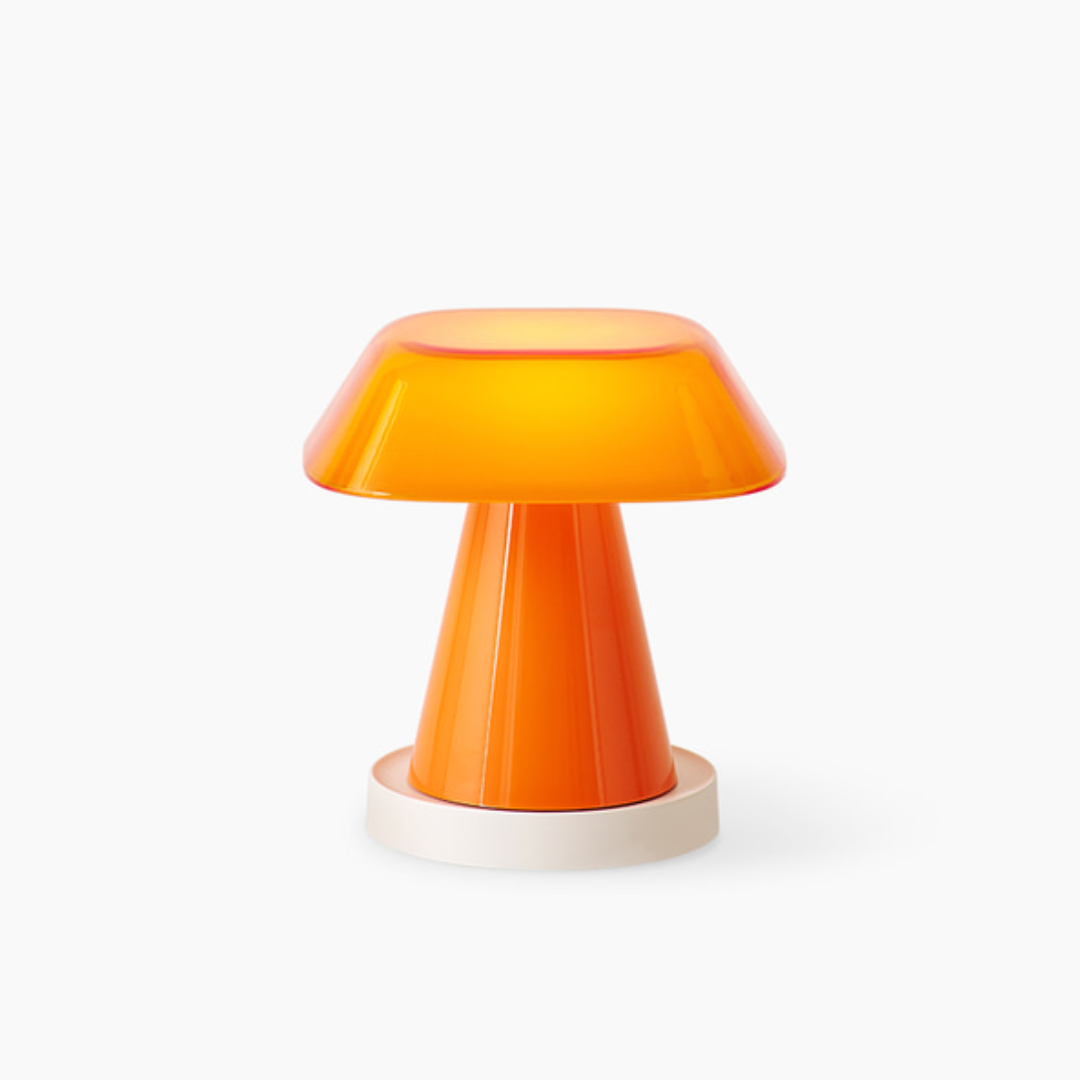
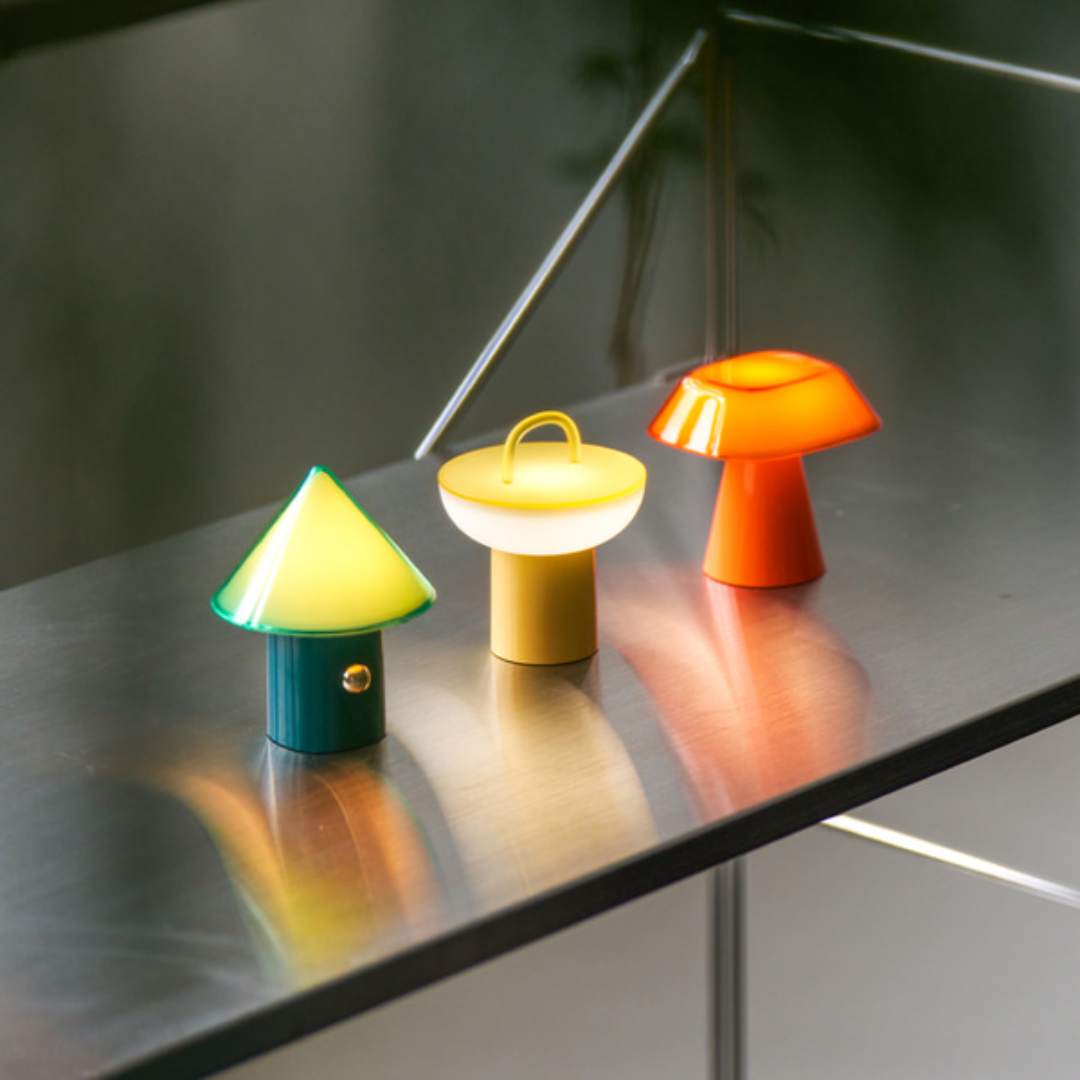
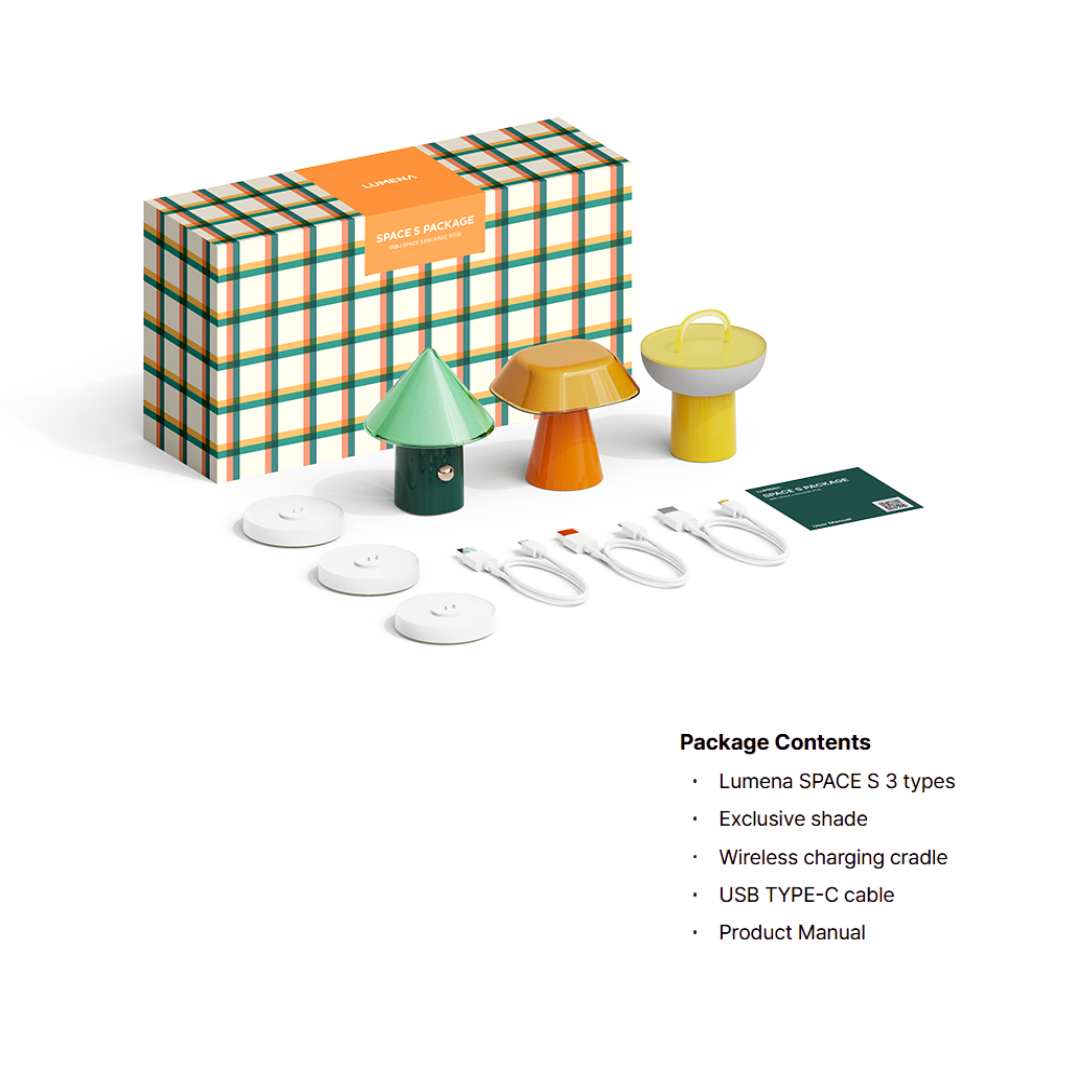
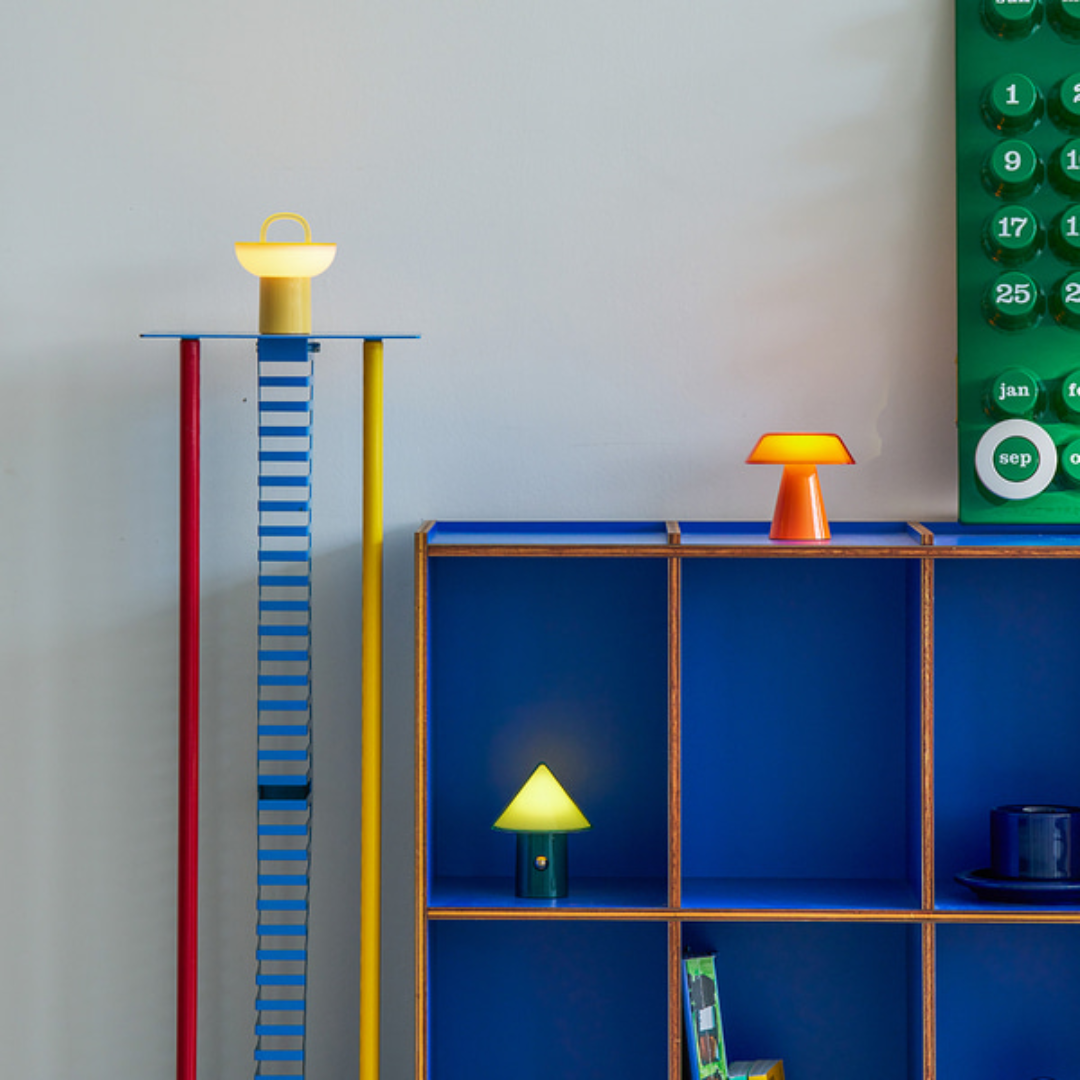
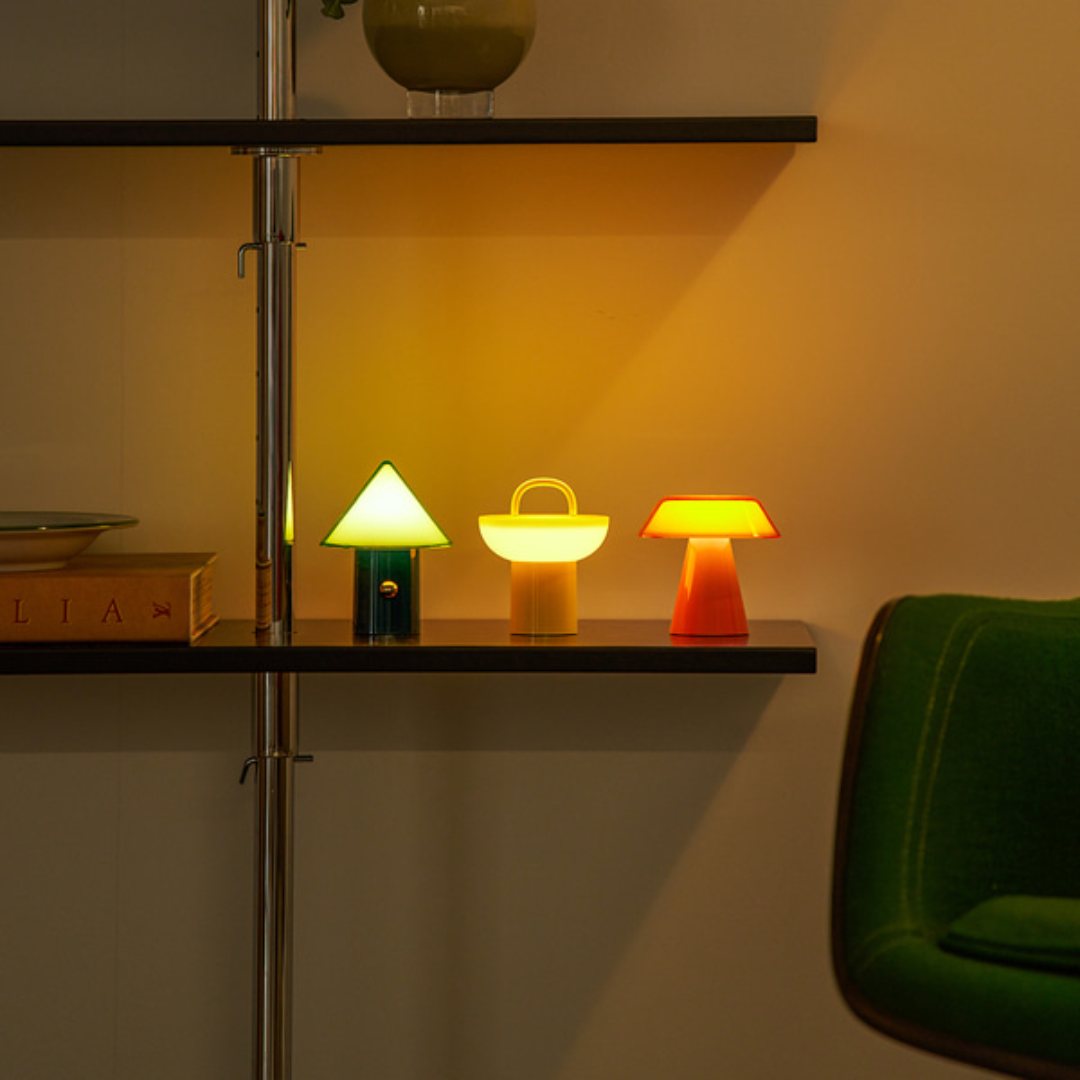
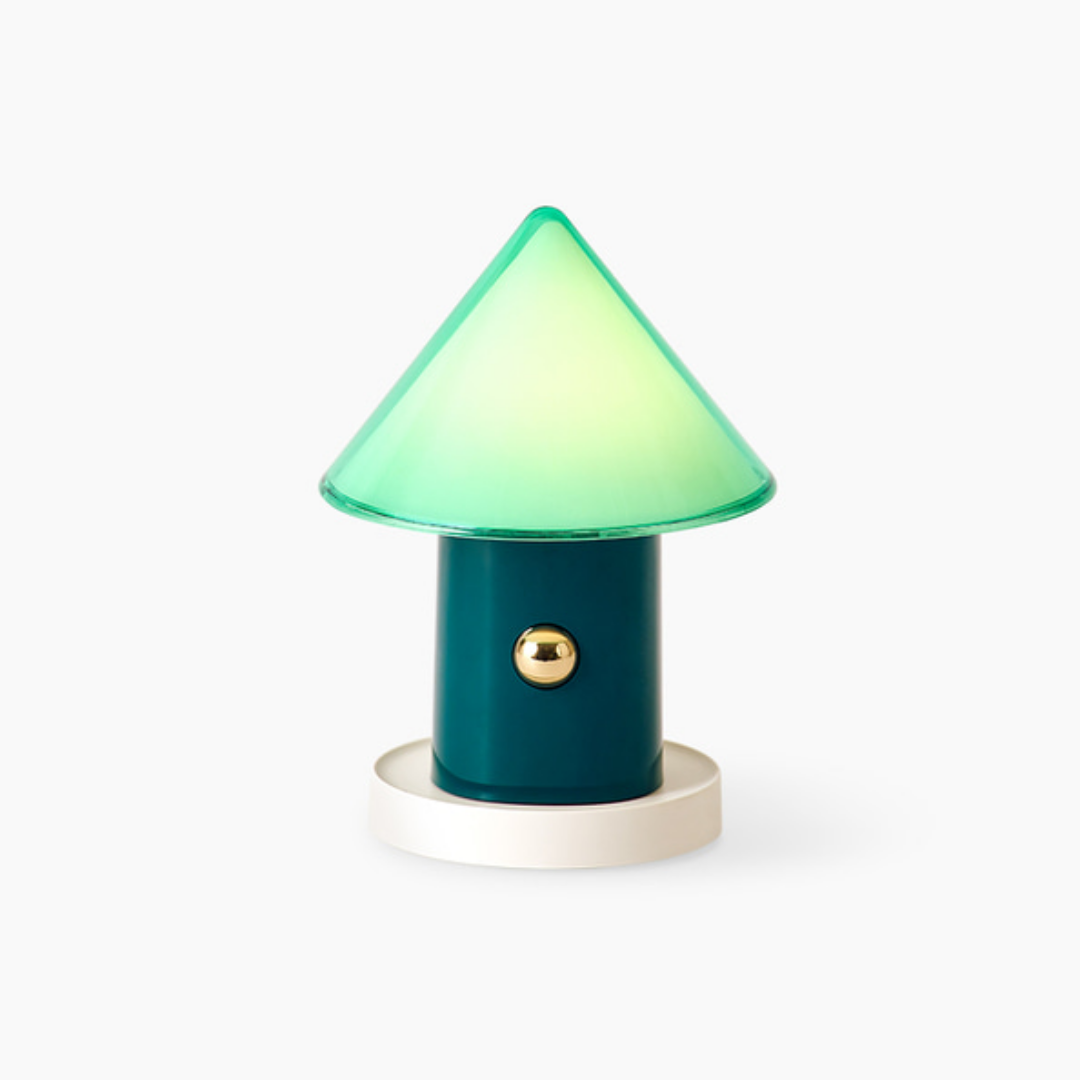
CONE: 84.6 x 84.6 x 106.7mm / 114g
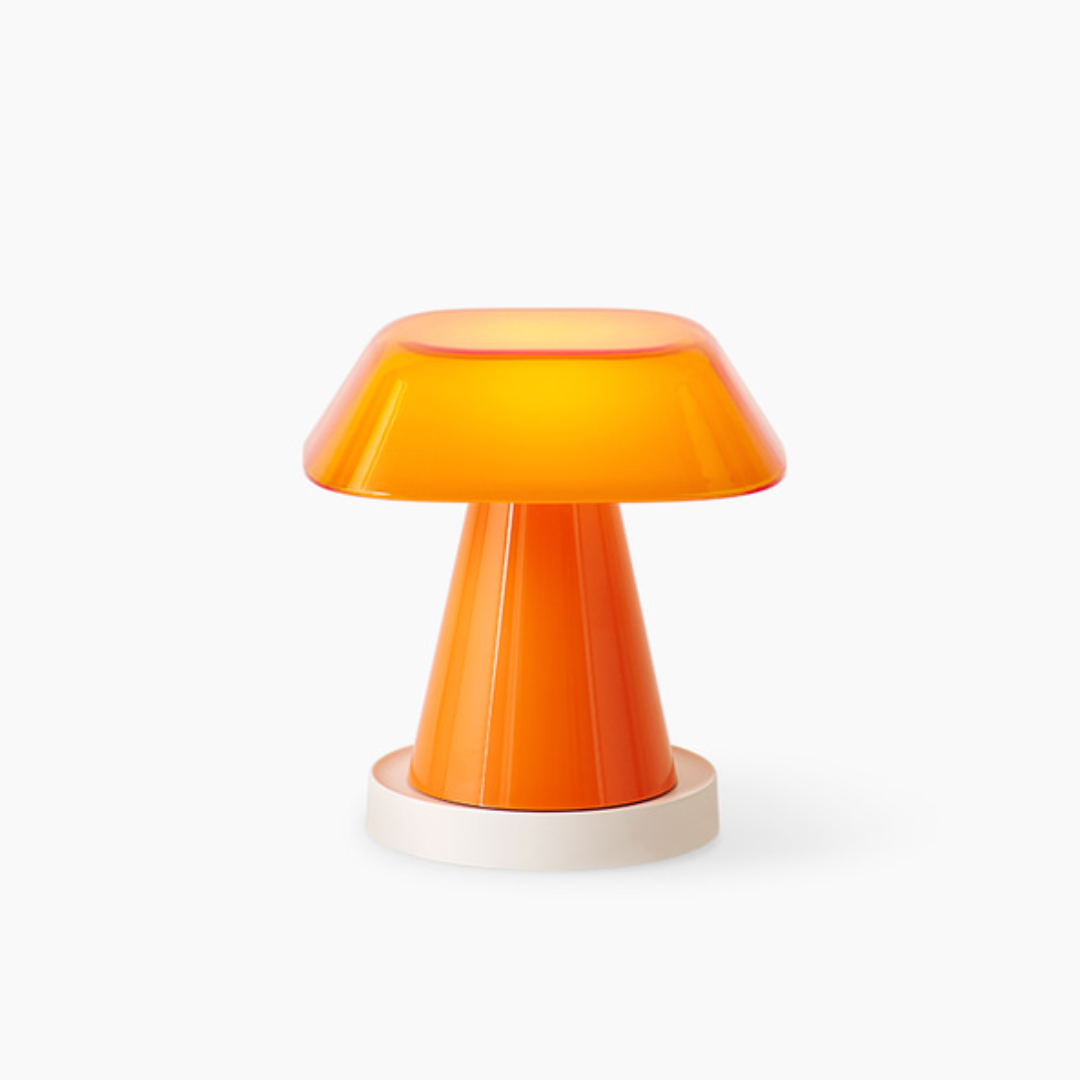
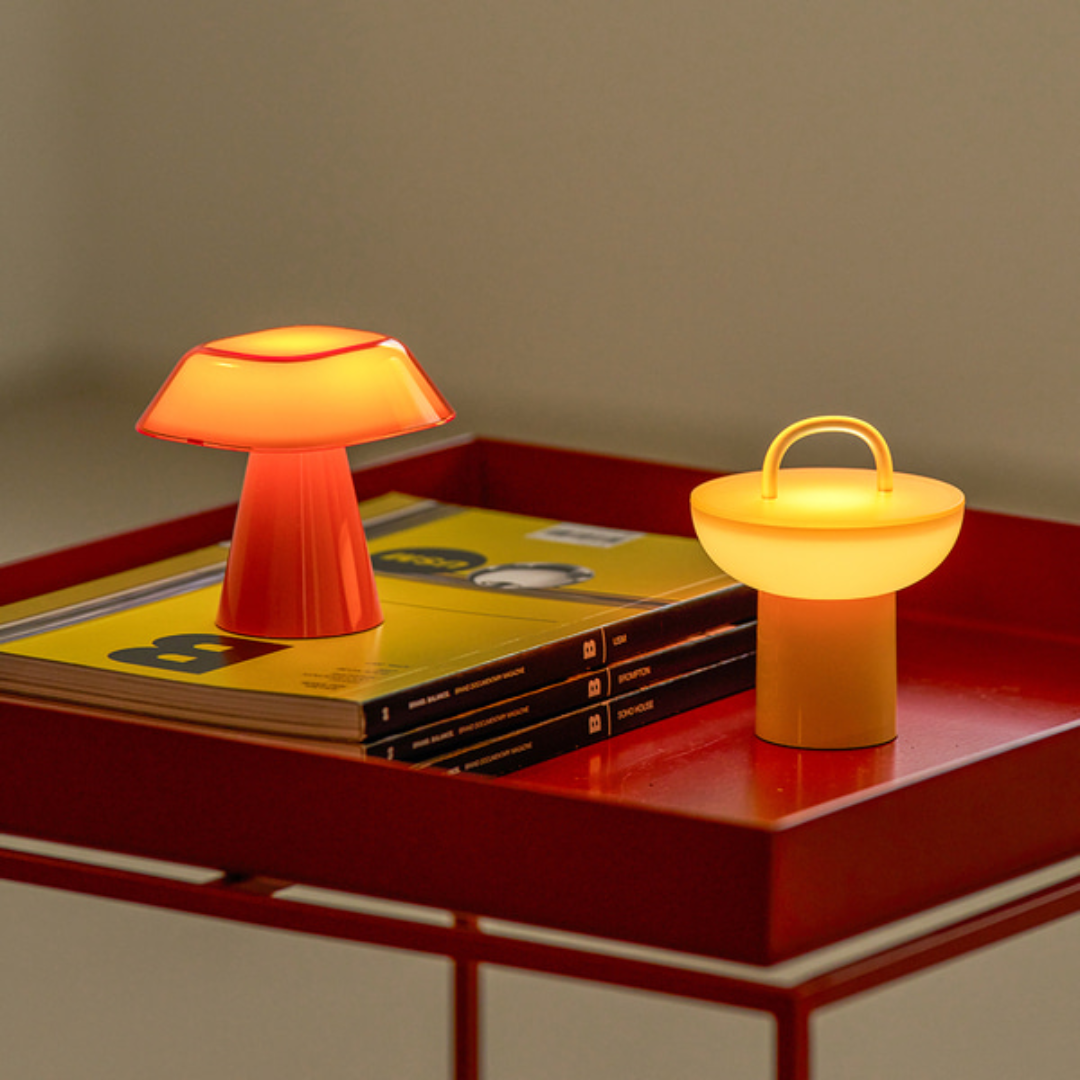
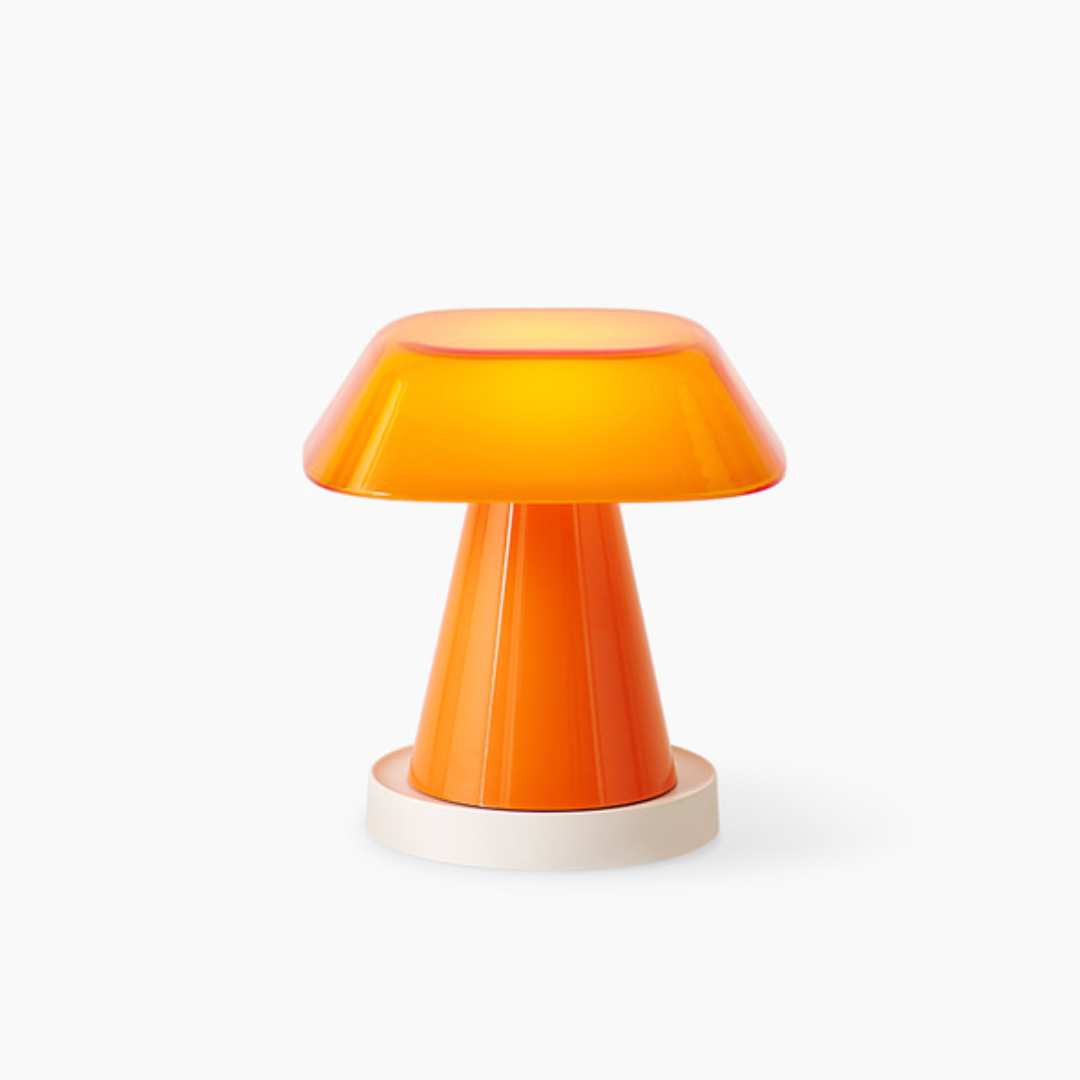
ROOF: 90 x 78 x 84.4mm / 112g
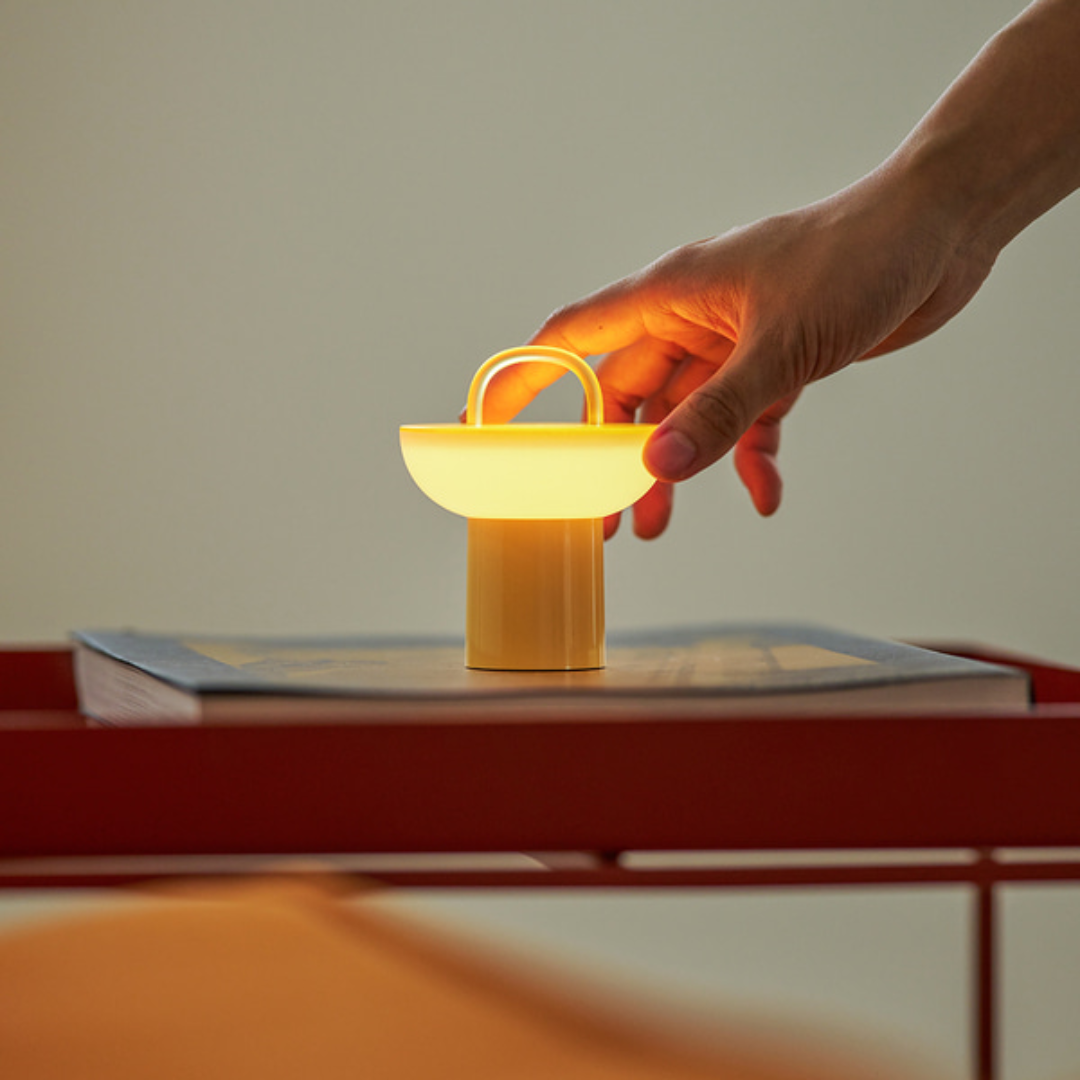
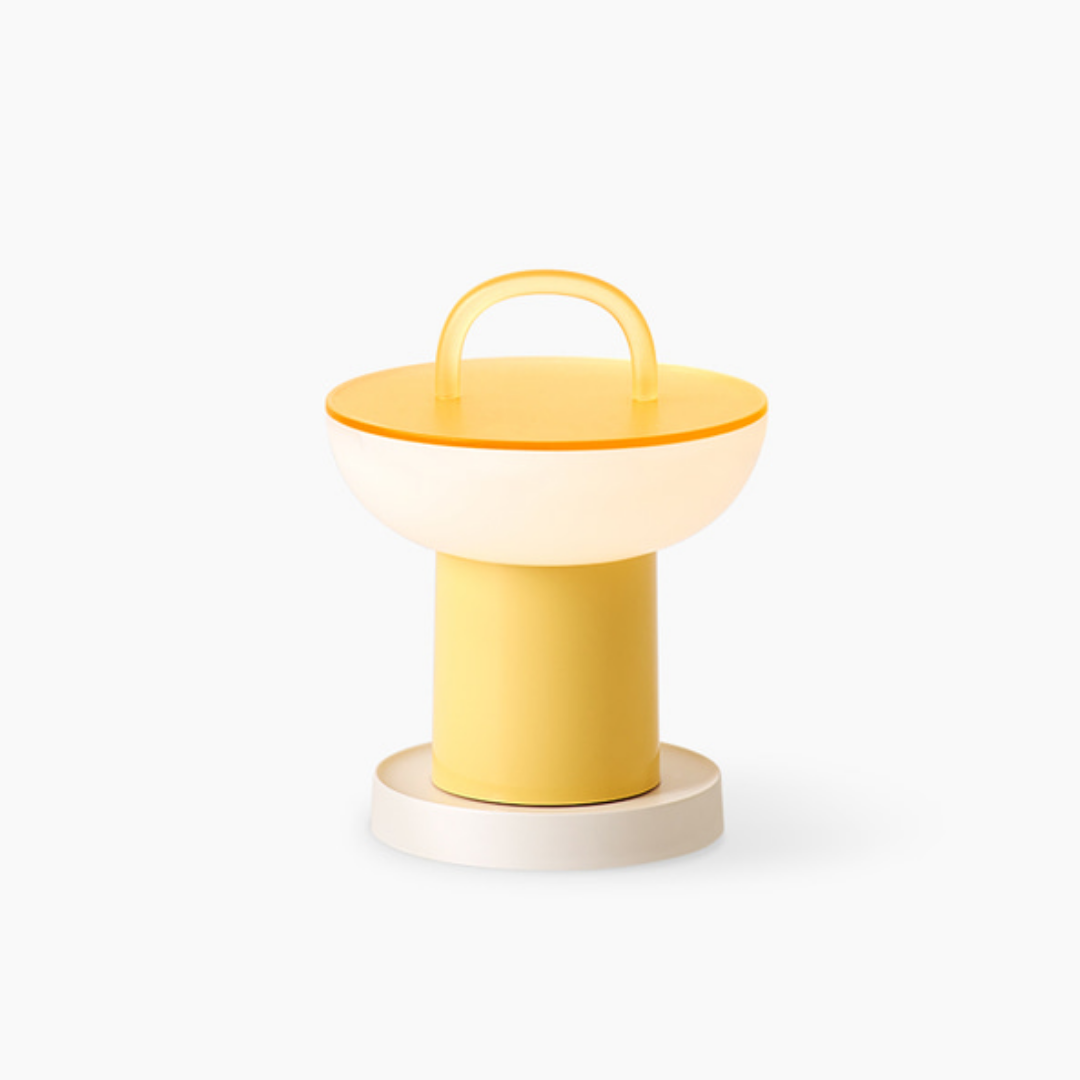
POT: 81.4 x 81.4 x 96.3mm / 114g
CRADLE: 65.4 x 65.4 x 10.9mm / 21g
▶ Power Consumption
: 0.4W (MAX)
▶ INPUT:
5V-1.0A (5W MAX)
▶ Battery Capacity:
Li-ion 3.7V 850mAh (3.14Wh)
▶ Brightness:
10 ~ 100Lm
▶ Charging / Usage Time
: - Charging Time: 1 hour 40 minutes
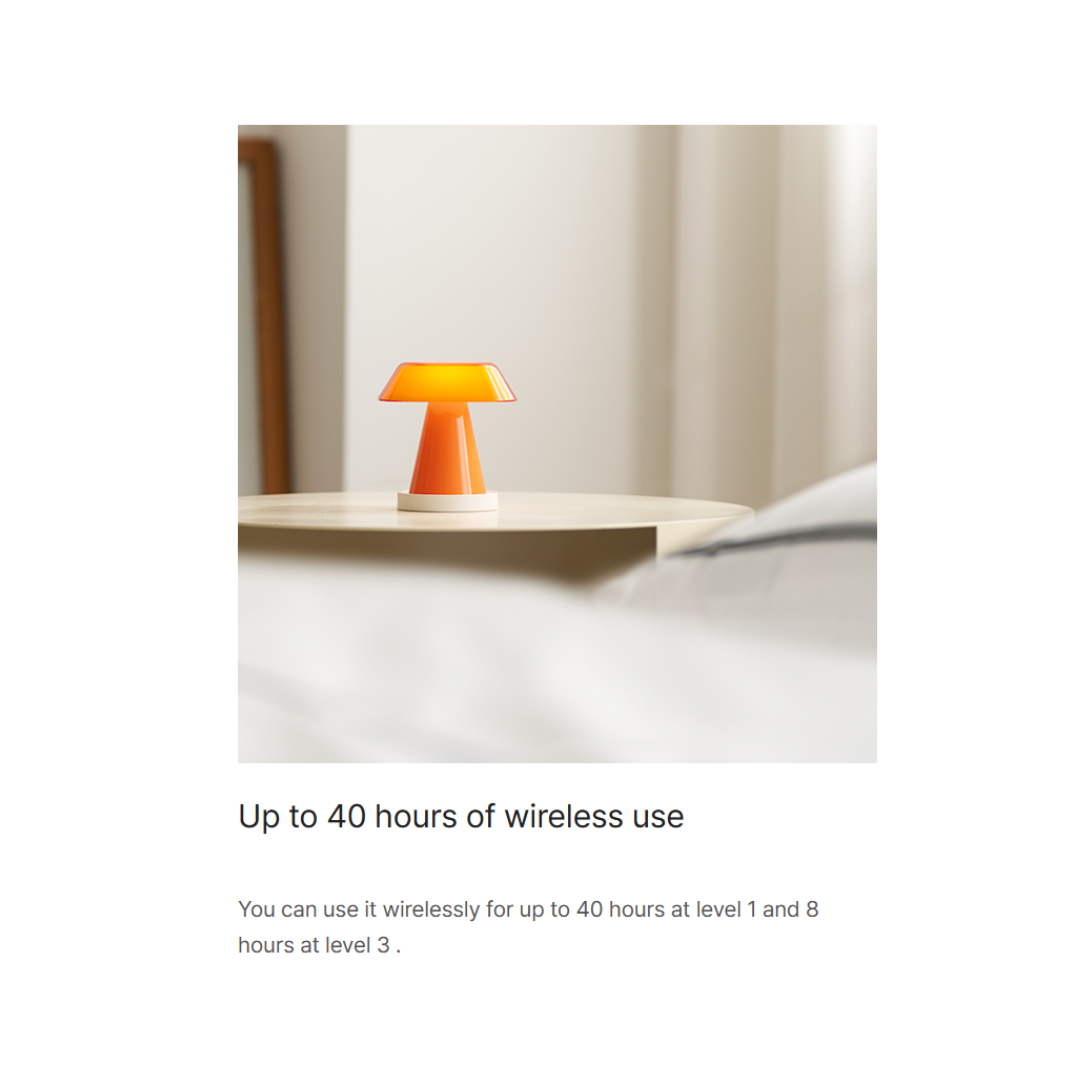
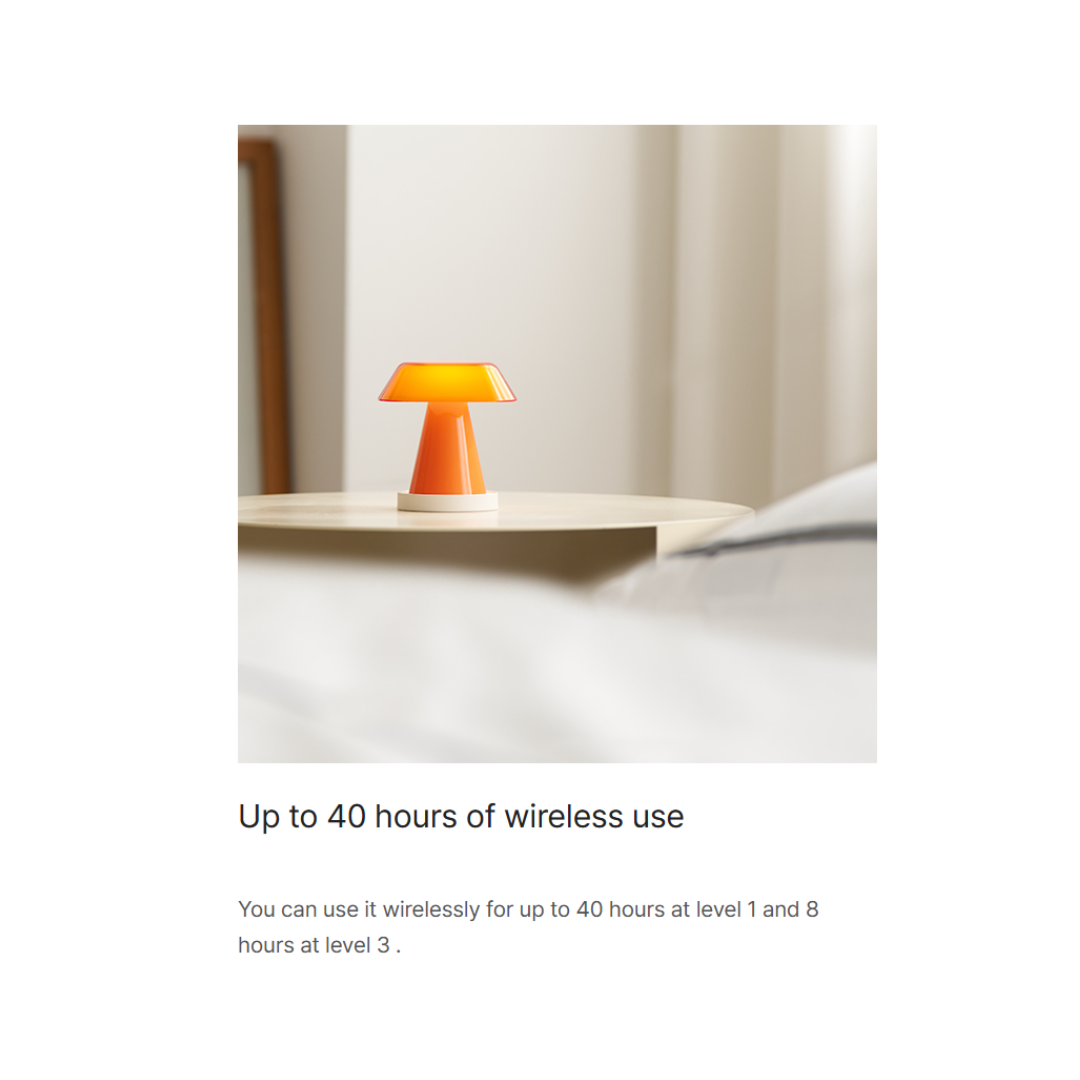
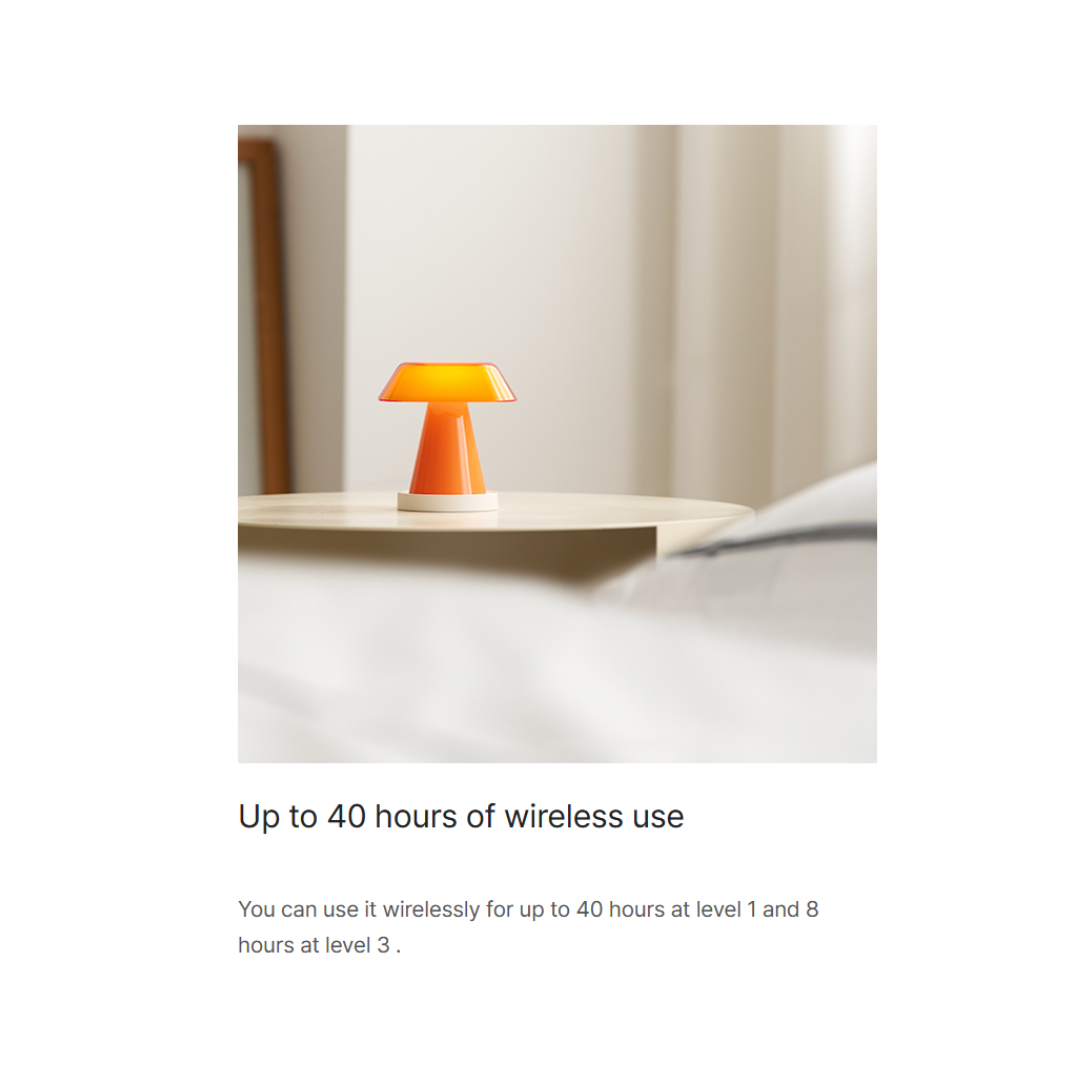
- Usage Time: 8 ~ 40 hours

How to Use
▶ Brightness Adjustment:
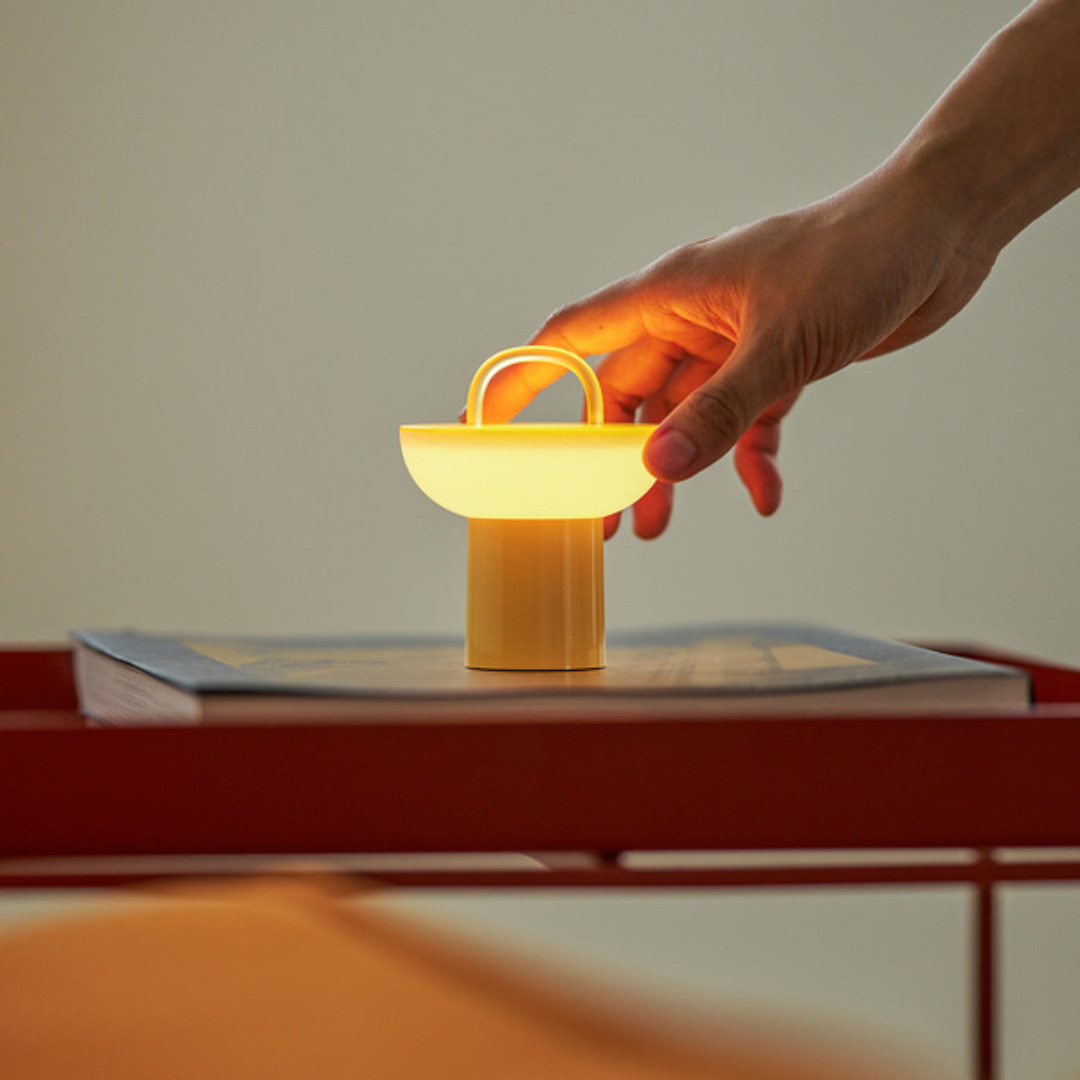
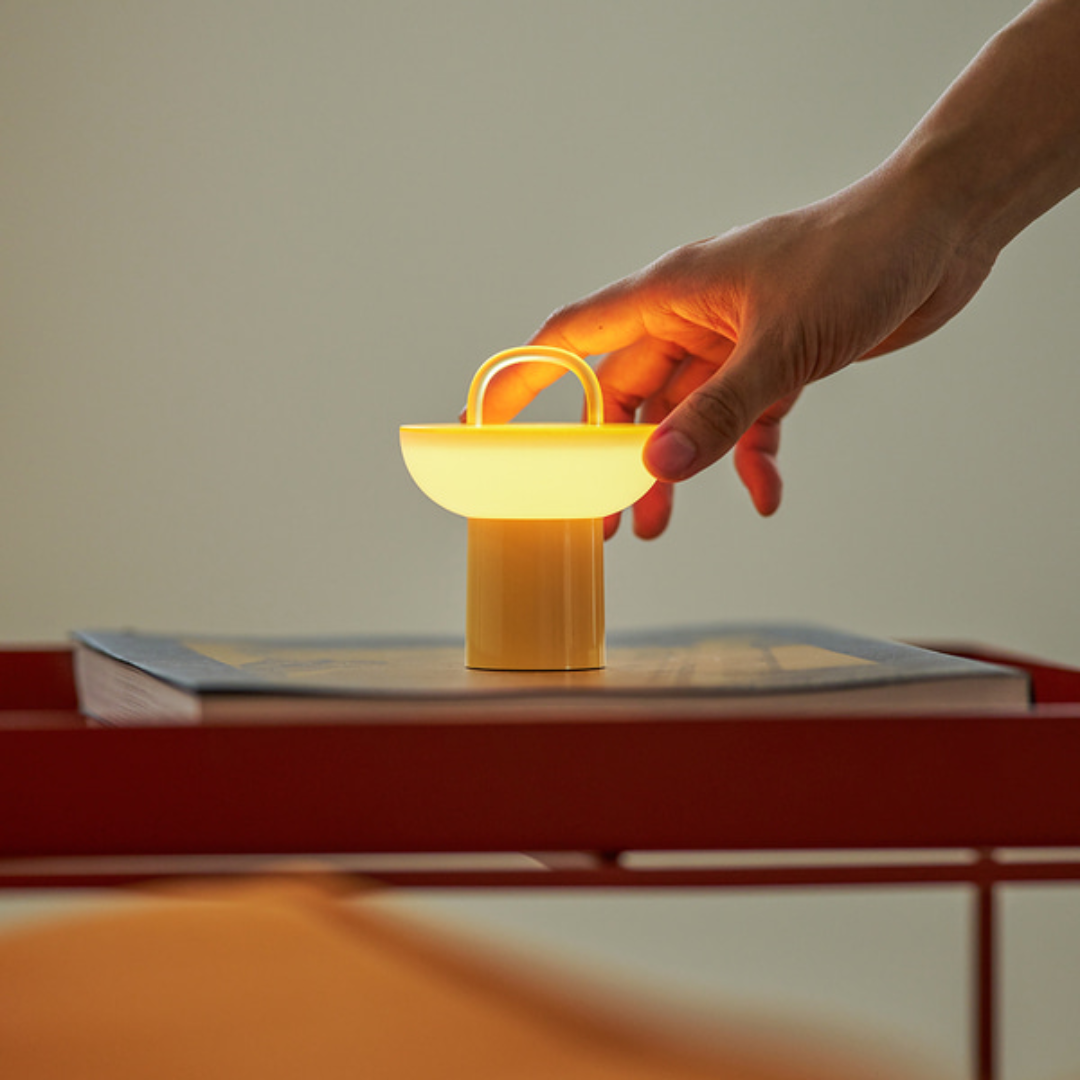
Charge the main unit, then press the control button to operate.
Brightness is adjusted based on the number of button presses.
1 press: Brightness Level 3
2 presses: Brightness Level 2
3 presses: Brightness Level 1
4 presses: Power OFF
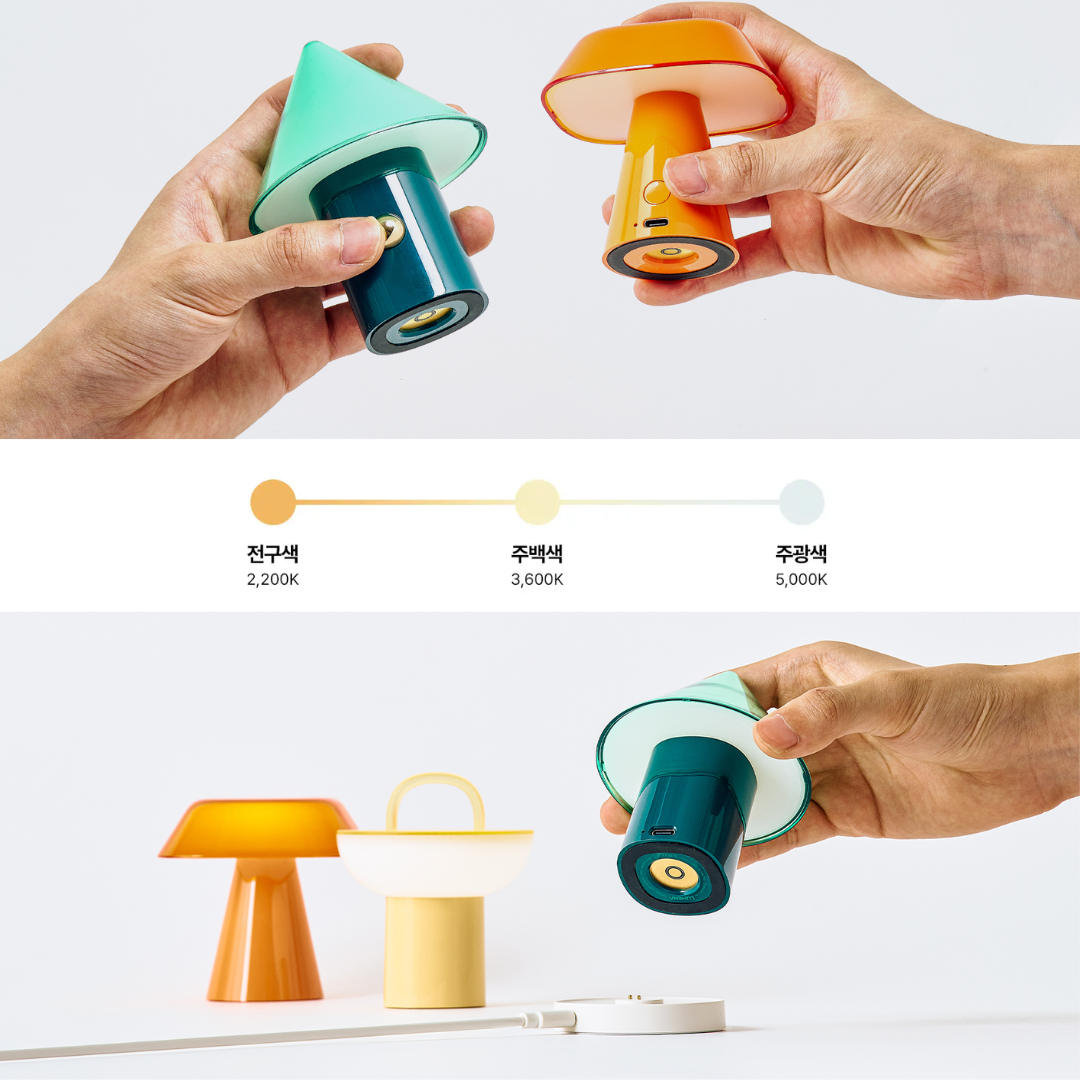
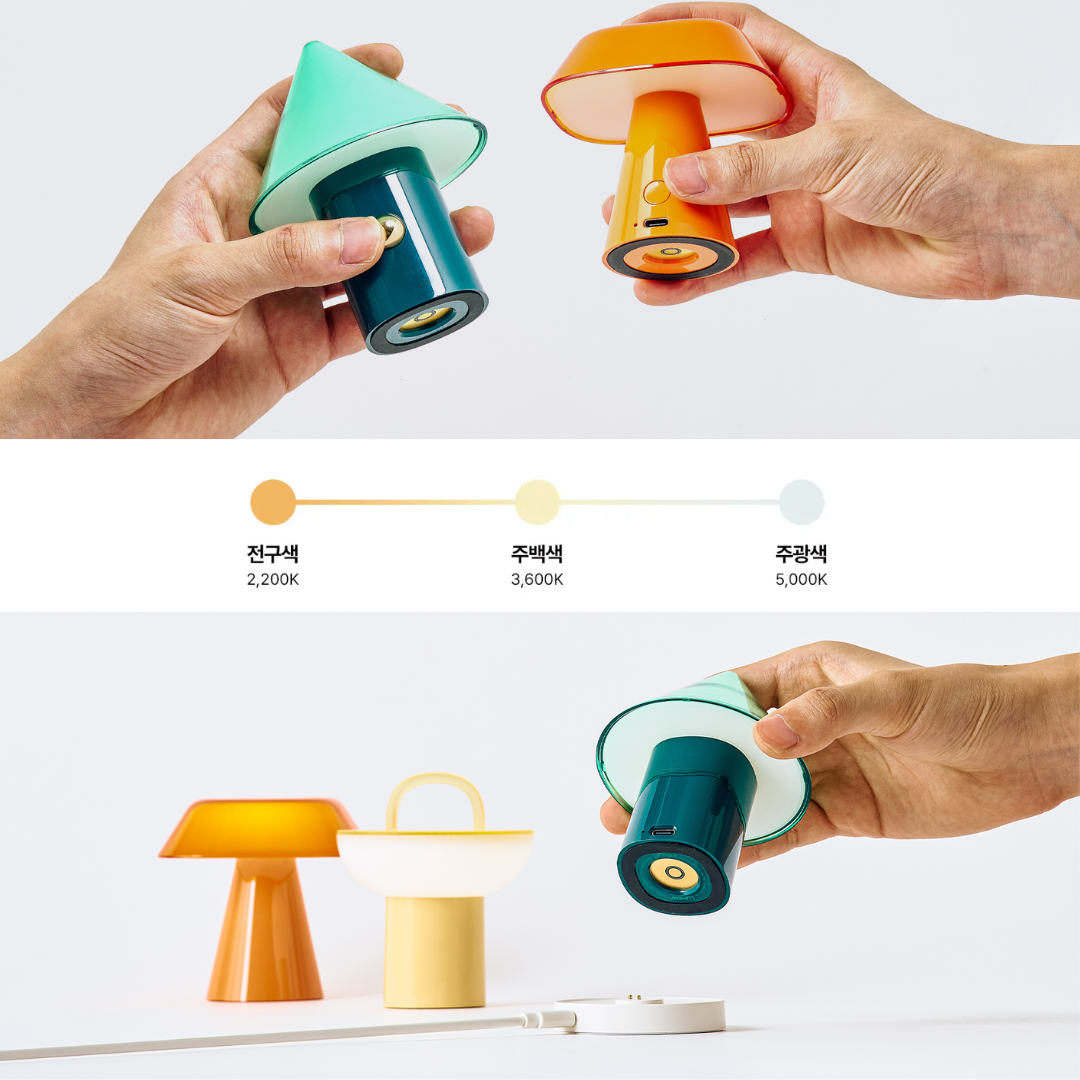
▶ Color Temperature Adjustment
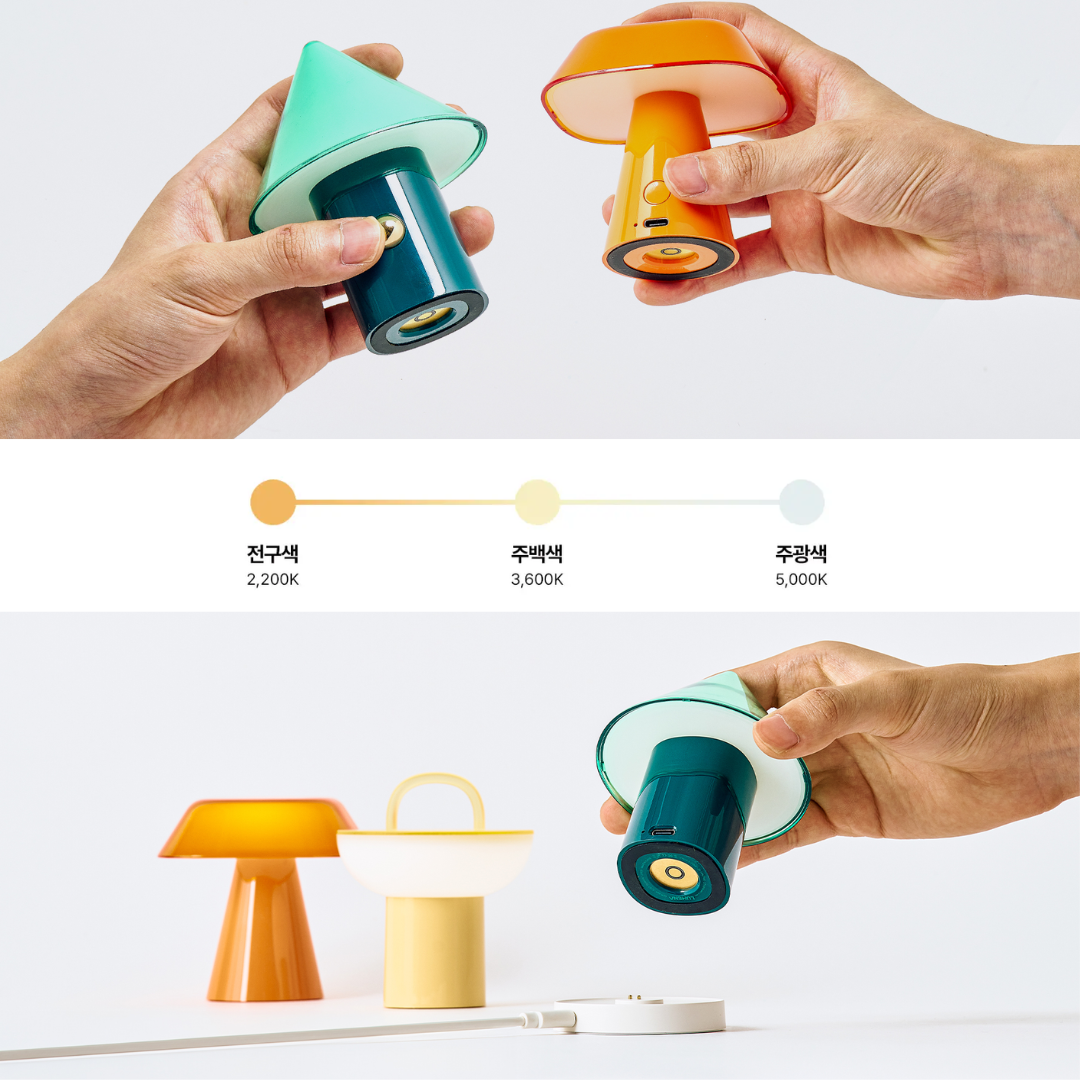
: Press and hold the control button for 1.5 seconds to adjust the light color temperature.
Hold button for 1.5 seconds: Daylight (5,000K) Hold button
for 1.5 seconds: Cool White (3,600K)
Hold button for 1.5 seconds: Warm White (2,200K)
※ Quick Off: Turns off with a single button press after 15 seconds of operation
※ Memory Function: Turns on with the previous color temperature upon restarting after Quick Off ends
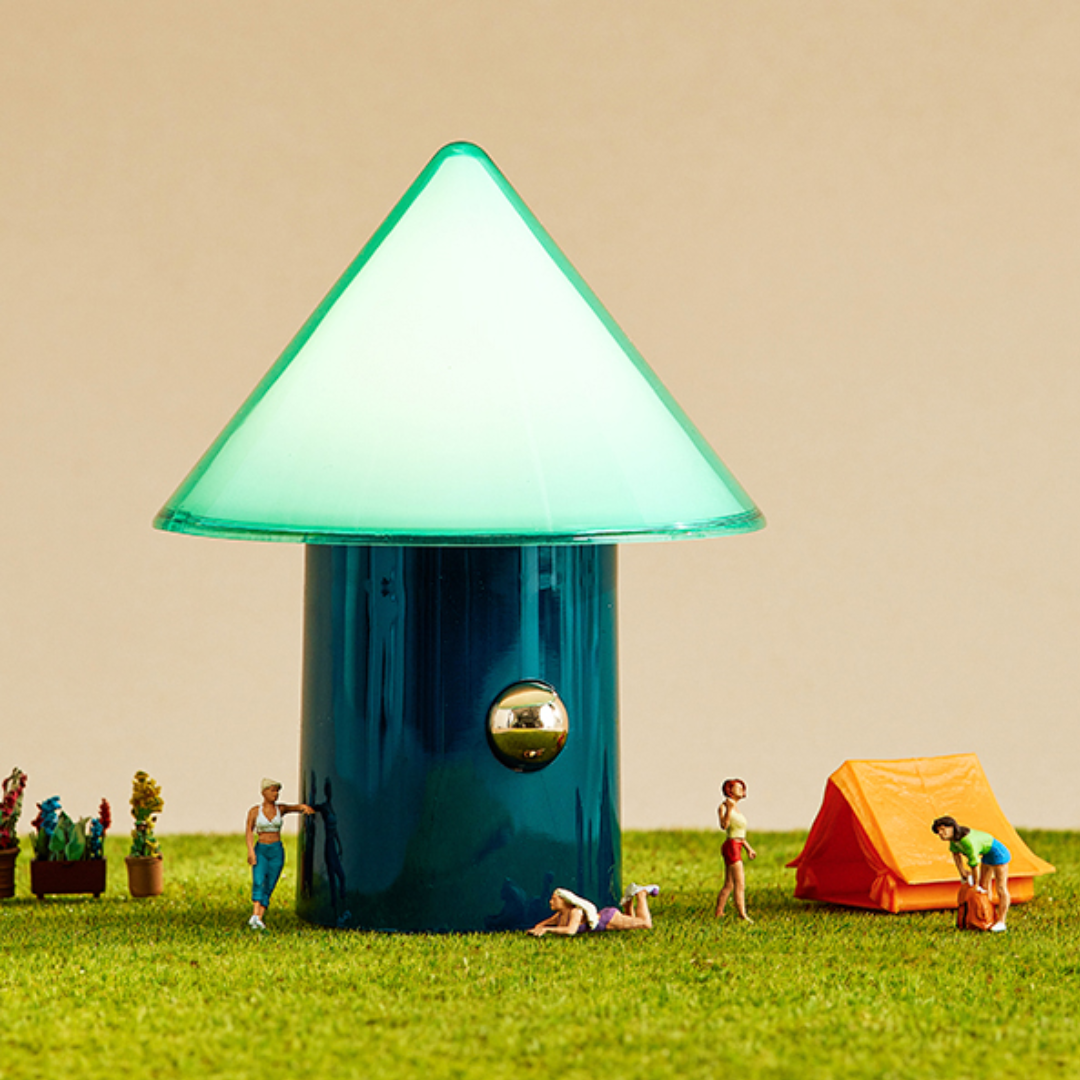
How to Charge
▶ Battery Indicator:
While the product is in use, the battery indicator light turns on a white LED. If the remaining battery level is below 20%,
the charging indicator light turns on a red LED.
▶ Main Unit Charging (Wired)
: Connect the USB Type-C cable and charging adapter to the main unit's Input.
The charging indicator light will turn on and charging will begin.
* Charging LED Indications
: 0~20%: Red LED dimming
21~99%: White LED dimming
100%: White LED lit
▶ Cradle Charging (Wireless)
: Connect the charging adapter and USB Type-C cable, plug them into the Cradle Input,
and place the product on the cradle to begin wireless charging. (Charging adapter sold separately)
* Charging is possible regardless of the product's orientation.